Software Buyer Brief
Business Email Security Buying Checklist For Small Teams
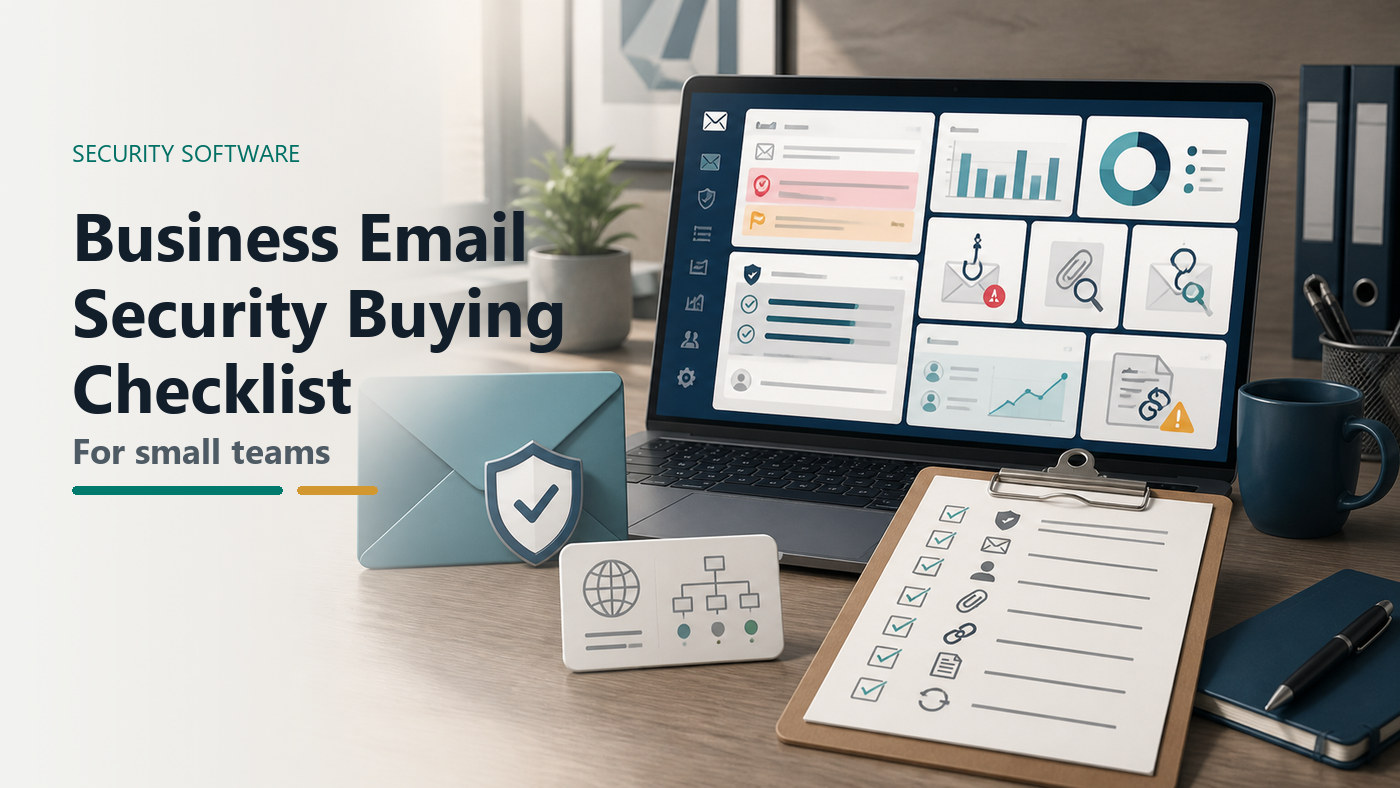
Short answer: a small team should buy email security software only after it knows who owns the domain, whether SPF, DKIM, and DMARC are configured, how phishing and business email compromise are handled, which mailboxes are highest risk, how users report suspicious messages, who reviews quarantine, and what logs or exports the vendor provides.
An email security demo can look impressive while avoiding the real question: what happens when a fake invoice, payroll change, or account recovery message lands in front of a busy employee? Small teams do not need a security theater dashboard. They need fewer bad messages reaching people, clearer warnings when risk remains, and a workflow for the messages that still get through.
This guide is for small teams using business email through cloud mailboxes, hosted domains, Microsoft 365, Google Workspace, or similar providers. It does not rank vendors. It gives the buying questions that turn a sales call into a usable requirements brief.
Start With The Failure Scenario
Pick one realistic failure before opening any vendor website. A vendor sends a fake invoice change. A fake executive asks for gift cards. A shared mailbox receives a malicious attachment. A payroll account gets a bank-update request. A user clicks a link and enters credentials. A domain lookalike sends a message that appears close enough to the real company name.
The FBI describes business email compromise as one of the most financially damaging online crimes, built around messages that appear to come from a known source making a legitimate request. That is why email security buying should not start with feature names. It should start with the business decisions email can influence.
1. Confirm Domain Ownership And Email Authentication First
Before buying another email security tool, identify who controls the domain DNS, mail routing, and administrator access. Email authentication controls usually depend on DNS records and mail configuration. If nobody owns those settings internally, rollout can stall.
NIST describes SPF, DKIM, and DMARC as mechanisms that help authenticate the sending domain and give domain owners feedback about authentication results. CISA has also pushed email and web security guidance that includes SPF and DMARC records for organization domains.
Use this as a buying checklist:
- Who can edit DNS records for the domain?
- Which systems send mail as the domain?
- Are SPF, DKIM, and DMARC already configured?
- Is DMARC only monitoring, or is it moving toward enforcement?
- Who reviews DMARC reports or vendor summaries?
- Will the product help identify legitimate senders before policy changes?
If a vendor talks about DMARC but cannot explain the operational work, slow down. A strict policy can break legitimate mail if the sender inventory is wrong. A monitoring-only policy can leave spoofing risk if nobody ever reviews the findings.
2. Separate Inbound Protection From Outbound Domain Protection
Email security purchases often mix two different problems. Inbound protection tries to stop or warn about suspicious messages coming into employee inboxes. Outbound domain protection tries to stop outsiders from impersonating your domain.
Both matter, but the tools and workflows may differ. Inbound controls can include spam filtering, phishing detection, attachment scanning, link rewriting, impersonation detection, quarantine, and user reporting. Outbound domain protection may focus on SPF, DKIM, DMARC, sender inventory, alignment, and monitoring lookalike domains.
A useful vendor call should make this distinction clear. Ask what the product protects, where it sits in the mail flow, what mail it can see, and whether it changes DNS, mailbox rules, mail routing, or user behavior.
3. Map High-Risk Mailboxes Before Counting Seats
Seat count matters, but risk is not evenly distributed. A finance inbox, executive assistant, owner mailbox, payroll administrator, HR mailbox, domain administrator, shared billing address, support queue, and sales inbox may carry different consequences.
Make a short list of high-risk mailboxes and shared addresses. For each one, note what decisions it can trigger: payments, payroll changes, customer data, password resets, vendor access, legal documents, or customer refunds.
This helps the team ask whether the product supports executive impersonation controls, shared-mailbox coverage, VIP protection, mailbox rule monitoring, role-based policies, or stronger review workflows for finance and admin users.
4. Check Phishing Controls Against Real User Behavior
The FTC notes that phishing messages often try to steal passwords, account numbers, or financial information and may use urgent stories, suspicious activity claims, fake invoices, or payment links. That maps directly to software requirements.
Ask the vendor to show how the product handles:
- Lookalike senders and display-name impersonation
- New or rarely seen sender warnings
- External sender labeling
- Suspicious links and redirects
- Attachment sandboxing or scanning
- Credential-harvesting pages
- QR-code phishing, if relevant to your users
- Messages that are suspicious but not obviously malicious
Do not stop at “we detect phishing.” Ask what the user sees, what the admin sees, what gets quarantined, what gets delivered with a warning, and how false positives are handled.
5. BEC Protection Needs A Business Process, Not Only A Filter
Business email compromise is difficult because the message can look normal. The request may be short, polite, and context-aware. It may not carry malware. It may be a payment-change request that looks like normal work.
Email security software can help with impersonation signals, sender anomalies, domain lookalikes, mailbox compromise indicators, and warning banners. It cannot replace approval controls. The buying brief should include the company’s process for invoices, bank changes, gift cards, payroll updates, and urgent executive requests.
Ask whether the product can create stronger warnings for finance, flag first-time sender payment requests, detect suspicious forwarding rules, and preserve evidence if money movement is attempted. Then pair the tool with a rule: sensitive payment changes require out-of-band verification through a known contact path.
6. Quarantine Review Should Have An Owner
Quarantine is not a magic drawer. Someone has to review it. If the wrong messages are held, work slows down. If risky messages are released casually, protection weakens.
Before buying, decide who reviews quarantine, how often, what users can release themselves, which categories require admin approval, and how the team handles false positives. Ask the vendor to show quarantine search, release workflow, user digest emails, bulk actions, and audit logs.
For a small team, the right product may be the one that keeps quarantine simple enough to operate, not the one with the most possible knobs.
7. Reporting Buttons Are Only Useful If They Trigger Work
A phishing report button can be valuable because it turns employee suspicion into a workflow. But a button without ownership becomes a feel-good control.
Ask what happens after a user reports a message. Does the product remove similar messages from other inboxes? Does it create an admin case? Does it send the message to the vendor for analysis? Does it update detection rules? Can the team reply to the reporter? Are reported messages visible in logs?
If users report suspicious mail and nobody responds, they will stop reporting. The tool should make the feedback loop visible enough that people trust it.
8. Logs, Exports, And Incident Evidence Matter Before Something Goes Wrong
When a user clicks a link or a finance request looks suspicious, the team needs evidence. Who received the message? Who opened it? Was the link rewritten? Did anyone submit credentials? Was the message removed from other mailboxes? Did forwarding rules change? Did a mailbox log in from a strange location?
Ask which logs exist, how long they are retained, whether they can be exported, whether API access is available, and whether the plan includes the logs shown in the demo. If the business has cyber insurance, client security reviews, or compliance obligations, evidence access may matter as much as detection.
9. Integrations Can Increase Protection Or Create Admin Work
Email security tools may connect through mail routing, API access, OAuth permissions, add-ins, browser extensions, DNS changes, or directory integration. Each model has tradeoffs.
Ask what permissions the product needs, what data it stores, how it handles deleted users, how it covers shared mailboxes, whether it supports your current mail platform, and what breaks if the integration is removed. Also ask how long deployment usually takes for a small team with one domain and a few third-party senders.
The vendor should be able to explain setup without making every sentence sound like a migration project.
10. Renewal Questions Should Be Asked Before The First Contract
Email security can become sticky because it touches DNS, mail flow, mailbox add-ins, logs, and user habits. Before signing, ask how cancellation works, how data is exported, how DNS records are removed or changed, how mail routing is reverted, and how long logs remain available after termination.
Also ask how pricing changes when the team adds shared mailboxes, aliases, contractors, archived users, or multiple domains. A cheap first-year plan may not be cheap after the email environment is fully counted.
Email Security Buying Scorecard
| Buying Area | What To Check | Risk If Ignored |
|---|---|---|
| Domain authentication | SPF, DKIM, DMARC, sender inventory, report review | Spoofing controls stay half-configured or break legitimate mail |
| Inbound phishing | Links, attachments, impersonation, warnings, false positives | Bad messages reach users or normal work gets blocked |
| BEC workflow | Payment-change warnings, VIP rules, mailbox compromise signals | Finance and payroll decisions rely only on user judgment |
| Quarantine | Owner, user digest, release rules, search, audit trail | Important mail is lost or risky mail is released casually |
| User reporting | Report button, triage workflow, message removal, feedback loop | Employees report suspicious mail into a dead end |
| Logs and export | Retention, export, API, incident evidence, plan limits | The team cannot reconstruct what happened during an incident |
| Exit | DNS rollback, mail-flow rollback, data deletion, renewal terms | The product becomes hard to leave during renewal pressure |
Questions To Ask In The Vendor Demo
- Show how the product checks SPF, DKIM, and DMARC readiness for our domain.
- Show how it handles a fake invoice change request from a lookalike sender.
- Show what a user sees when a message is suspicious but not blocked.
- Show the quarantine review workflow for an admin and a normal user.
- Show what happens after an employee clicks the phishing report button.
- Show how the tool searches for and removes similar messages across mailboxes.
- Show the logs available after a suspected click or credential submission.
- Show how data and logs can be exported if we leave the vendor.
FAQ
What should small teams check before buying email security software?
They should check domain ownership, SPF/DKIM/DMARC status, high-risk mailboxes, phishing controls, BEC workflows, quarantine ownership, user reporting, logs, integrations, data access, export, and renewal terms.
Is email security software enough to stop business email compromise?
No. It can reduce risk with detection, warnings, domain controls, and evidence, but sensitive payment or payroll changes still need business approval rules and out-of-band verification.
Do small businesses need DMARC before buying an email security tool?
They do not need perfect DMARC before buying, but they should know who owns DNS, which services send mail as the domain, and whether the vendor will help move from monitoring toward enforcement safely.
What logs matter most for email security?
Useful logs include message delivery, quarantine action, user reporting, link clicks, attachment verdicts, mailbox rule changes, admin policy changes, message removal, export history, and sign-in signals where available.
Sources Checked
- CISA Insights: Enhance Email and Web Security
- CISA BOD 18-01: Enhance Email and Web Security
- NIST SP 800-177 Rev. 1: Trustworthy Email
- NIST TN 1945: Email Authentication Mechanisms
- FBI: Business Email Compromise
- FTC: How To Recognize and Avoid Phishing Scams
The Buying Rule
Choose the email security product that makes the team’s risky email decisions easier to control. For a small team, that means domain authentication work that someone can own, phishing controls users can understand, BEC workflows tied to payment rules, quarantine that gets reviewed, reporting that triggers action, and logs that explain what happened. If the demo cannot show those workflows plainly, the product may be powerful but still wrong for the team.