Software Buyer Brief
Help Desk Software Buying Checklist For Small Teams
Short answer: small teams should buy help desk software only after they know which support channels need tickets, who owns routing and escalation, what response targets matter, what customer data will be stored, how roles and permissions work, which automations are safe, what reports are needed, how integrations affect workflows, and how tickets and knowledge-base content can be exported later.
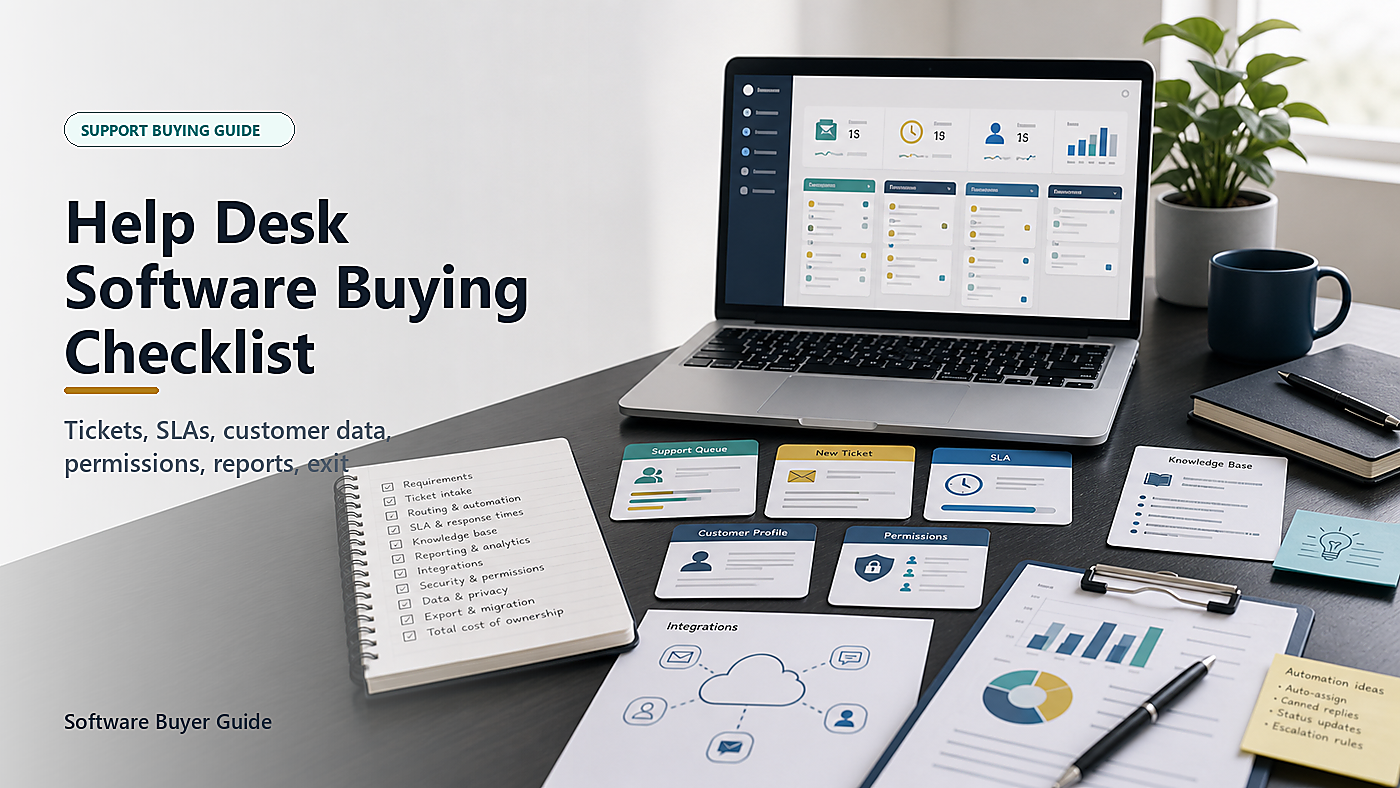
A help desk demo can make support look cleaner than it really is. Tickets appear in neat queues. Automations assign everything. Dashboards show colorful response times. A knowledge base promises fewer repetitive questions.
The real buying question is less polished: will this tool help the team answer customers faster without losing context, exposing private data, creating awkward handoffs, or trapping years of support history in a platform that becomes hard to leave?
This guide is for small teams choosing customer support, internal IT support, or shared inbox ticketing software. It does not rank vendors. It gives the buying questions that should be answered before the sales call becomes an annual contract.
Start With The Queue You Actually Have
Do not start with features. Start with the work. Count the channels that currently create support work: shared email, contact forms, website chat, phone notes, social messages, account managers, internal Slack or Teams messages, bug reports, billing questions, and implementation requests.
Then name the pain. Are tickets getting lost? Are two people replying to the same customer? Are urgent billing or security issues buried with routine questions? Are customers asking the same question repeatedly? Are managers guessing workload because there is no reliable report?
The answer decides the requirements. A team with one shared inbox needs a different system from a team managing product bugs, account escalations, onboarding questions, and internal IT requests.
1. Define What Becomes A Ticket
The first decision is intake. A help desk should make it obvious what becomes a ticket and what stays outside the system.
List the sources:
- Support email address
- Contact form
- Live chat
- Phone call notes
- Customer portal
- Internal request form
- Bug report form
- Billing or account-management escalation
Ask the vendor to show each channel, not just describe it. If phone notes, chat transcripts, attachments, or internal messages need manual copying, the team should know that before buying.
2. Routing Should Match Team Reality
Small teams often do not have perfect departments. One person may handle billing questions in the morning, onboarding in the afternoon, and technical escalations only when a senior person is available. A rigid help desk can make that worse.
Ask how tickets are assigned by topic, product, customer tier, language, region, urgency, or account owner. Then ask what happens when the assigned person is off, overloaded, or leaves the company.
A useful system should support queues and ownership without hiding work. The team should be able to see unassigned tickets, stale tickets, reopened tickets, escalated tickets, and tickets waiting on the customer.
3. SLA Settings Need Plain Business Rules
Service-level targets can be useful, but they become theater if they are copied from a vendor template. A small team should define what response times actually matter.
Separate first response from resolution. A billing correction may need a same-day response but not immediate resolution. A security-related customer report may need fast escalation. A feature request may need acknowledgement and product tracking, not emergency treatment.
Ask the vendor to show:
- Business-hours schedules
- Holiday or weekend handling
- Priority rules
- First-response timers
- Resolution timers
- Escalation warnings
- Pause rules while waiting for a customer
- Reporting by team, queue, and priority
Do not buy a plan because it has SLA features. Buy it if the SLA rules match how the team actually promises support.
4. Customer Data Belongs In The Requirements Brief
Support tickets can contain more sensitive data than people expect. Customers may paste invoices, screenshots, addresses, account numbers, employee names, device details, medical notes, credentials, logs, or private business documents into a ticket.
The FTC’s business data-security guidance starts with knowing what information the business has, where it is stored, and who can access it. A help desk is a data store, not just a messaging tool.
Before buying, decide what data should be allowed in tickets, what should be redacted, who can view it, how long it is retained, and whether sensitive attachments can be restricted or deleted.
Ask whether the product supports private notes, field-level controls, ticket redaction, attachment limits, retention policies, audit logs, and export controls. If the team handles regulated data, customer security reviews, or contractual confidentiality, this section needs extra care.
5. Roles And Permissions Should Be Tested, Not Assumed
Help desk access often expands quietly. Support agents, managers, sales staff, engineers, contractors, finance users, implementation partners, and executives may all want visibility.
That does not mean everyone should see everything. Ask the vendor to show role-based access in the actual plan being quoted. Check whether agents can delete tickets, export data, view all customers, edit automations, change SLA rules, access private notes, or impersonate users.
CISA’s small-business cybersecurity guidance emphasizes account protection basics such as MFA and controlling access. A help desk should support those basics, especially because it may contain customer history and internal troubleshooting notes.
Also ask how offboarding works. The tool should make it easy to remove a former employee or contractor without breaking ticket ownership history.
6. Automations Should Be Useful, Visible, And Reversible
Automation can help a small team. It can tag tickets, route billing questions, notify owners, close stale conversations, send satisfaction surveys, and trigger escalation warnings. It can also misroute urgent tickets, annoy customers with bad replies, or close work before a human reviews it.
Ask to see the automation builder. Then ask for the boring controls:
- Who can create or edit automations?
- Is there a change history?
- Can rules be tested before going live?
- Can automation actions be undone?
- Are customers told when a reply is automated?
- Can high-risk categories bypass automatic closure?
The best automation is boring because the team can predict it. If a rule is hard to explain, it will be hard to trust.
7. AI Features Need Data And Quality Questions
Many help desk tools now offer AI summaries, suggested replies, chatbots, article drafting, sentiment detection, or automated triage. These features can save time, but they also touch customer conversations.
Ask what ticket data is used to generate suggestions, whether customer data is used to train models, whether AI features can be disabled by queue or customer type, how agents review suggested replies, and whether AI actions are logged.
For external customer replies, make human review the default unless the use case is low-risk and tightly controlled. A fast wrong answer can create more work than no automation at all.
8. Knowledge Base Features Should Reduce Real Questions
A knowledge base is not valuable because it exists. It is valuable if customers and agents use it to answer repeated questions accurately.
Ask how articles are drafted, reviewed, approved, published, localized, versioned, and archived. Ask whether article feedback links to tickets, whether search reports show failed searches, and whether agents can suggest article updates from a ticket.
For small teams, ownership matters more than template beauty. Someone must decide which articles are current, which are outdated, and which product changes require updates.
9. Integrations Can Create Cleaner Work Or More Noise
Help desk tools often connect to CRM, billing, product analytics, bug tracking, chat, status pages, identity providers, phone systems, email, ecommerce platforms, and data warehouses. Integrations are useful when they remove copying and reduce context switching. They are risky when they pull too much data or create duplicate alerts.
Ask what each integration can read, write, update, and export. Ask whether permissions are scoped, whether API tokens expire, whether integration actions appear in logs, and what happens if the connected tool is removed.
Do not let a vendor demo ten integrations if the team only needs three. More integrations can mean more admin work.
10. Reporting Should Answer Operating Questions
Dashboards can look impressive while answering the wrong questions. A small team needs reports that help it staff, prioritize, and improve support.
Useful reports may include:
- New tickets by channel and topic
- Open tickets by age
- First response time by priority
- Resolution time by category
- Reopened tickets
- Escalations to engineering or billing
- Tickets waiting on customer versus internal owner
- Knowledge-base deflection or failed search terms
- Customer satisfaction by product or queue
Ask whether these reports are included in the quoted plan, whether exports are available, and whether the team can build custom reports without buying an enterprise tier.
11. Incident And Security Escalation Should Be Separate From Routine Support
Some tickets are not normal support. A customer may report account takeover, suspicious activity, payment fraud, data exposure, vulnerability details, or a service outage. Those tickets need a different path.
NIST’s incident-handling guidance emphasizes preparation, analysis, containment, and recovery processes for security incidents. A small support team does not need to turn the help desk into a security operations center, but it should know how security-related tickets are flagged and escalated.
Ask whether the product supports restricted security queues, priority escalation, private internal notes, audit logs, and notification workflows. Also decide who owns the response when a support ticket becomes a security issue.
12. Exit Terms Should Be Checked Before Support History Builds Up
Help desk software becomes sticky because it holds customer history, internal notes, knowledge-base articles, tags, macros, SLAs, satisfaction data, and integration history. Once the team has years of tickets inside it, leaving can be painful.
Before signing, ask:
- Can all tickets be exported?
- Are attachments, private notes, tags, custom fields, and satisfaction data included?
- Can knowledge-base articles be exported in a usable format?
- Are audit logs exportable?
- How long is data available after cancellation?
- When is data deleted?
- Can deletion be confirmed?
If the vendor cannot explain export clearly, the buyer should assume migration will be harder than the demo suggests.
Help Desk Software Scorecard
| Buying Area | What To Check | Risk If Ignored |
|---|---|---|
| Ticket intake | Email, forms, chat, phone notes, portal, internal requests | Support work stays scattered across channels |
| Ownership | Queues, assignment, escalation, stale-ticket visibility | Tickets sit unresolved because nobody owns them |
| SLA rules | Business hours, first response, resolution, pause rules, priority | The dashboard measures promises the team never meant to make |
| Customer data | Private notes, attachments, redaction, retention, audit logs | Sensitive information spreads through tickets without control |
| Permissions | Roles, MFA, exports, deletion, admin settings, offboarding | Too many users can see or change too much |
| Automation and AI | Rule ownership, test mode, logs, human review, data-use terms | Bad rules or replies create new customer problems |
| Exit | Tickets, attachments, private notes, articles, logs, deletion proof | The team cannot leave with usable support history |
Message To Send Before A Demo
We are comparing help desk software for a small team. Please show how tickets enter from our main channels, how routing and escalation work, how SLA timers are configured, how customer data and attachments are protected, what roles and logs are included in the quoted plan, how automation and AI features are reviewed, what reports we can export, and how tickets and knowledge-base articles can be exported if we leave.
FAQ
What should small teams check before buying help desk software?
They should check ticket intake, routing, ownership, SLA rules, customer data handling, permissions, MFA, automations, AI data use, knowledge-base workflow, integrations, reports, incident escalation, export, and renewal terms.
Is a shared inbox enough instead of help desk software?
A shared inbox may be enough for a very small team with low support volume. Help desk software becomes more useful when tickets need assignment, status tracking, escalation, reporting, customer history, SLA rules, or multiple support channels.
What data risks come with help desk software?
Tickets may contain customer records, screenshots, account details, attachments, private notes, logs, credentials, billing information, and internal troubleshooting history. Buyers should review permissions, retention, redaction, audit logs, exports, and vendor data-use terms.
Which help desk reports matter most?
Useful reports include tickets by channel, backlog age, first response time, resolution time, reopened tickets, escalation volume, tickets waiting on customer versus team, top issue categories, failed knowledge-base searches, and exportable support history.
Sources Checked
- FTC: Protecting Personal Information – A Guide For Business
- FTC: Cybersecurity For Small Business
- CISA: Cyber Guidance For Small Businesses
- NIST SP 800-61 Rev. 2: Computer Security Incident Handling Guide
- NIST Privacy Framework
- FTC: Better Safeguard Than Sorry
The Buying Rule
Choose the help desk software that makes support ownership clearer without making customer data harder to control. The right tool should capture the real queue, route tickets visibly, measure the promises the team actually makes, protect sensitive information, keep automation reviewable, report on the questions managers ask, and let the company leave with usable support history.