Software Buyer Brief
Payroll Software Buying Checklist For Small Businesses
Short answer: a small business should buy payroll software only after it confirms employee and contractor setup, tax withholding and deposit support, filing responsibilities, pay schedules, time and wage records, overtime and deductions, direct deposit timing, benefits and retirement integrations, employee self-service, accountant access, role permissions, MFA, audit logs, migration from the current system, year-end forms, pricing by real usage, cancellation rules, and complete export of payroll records.
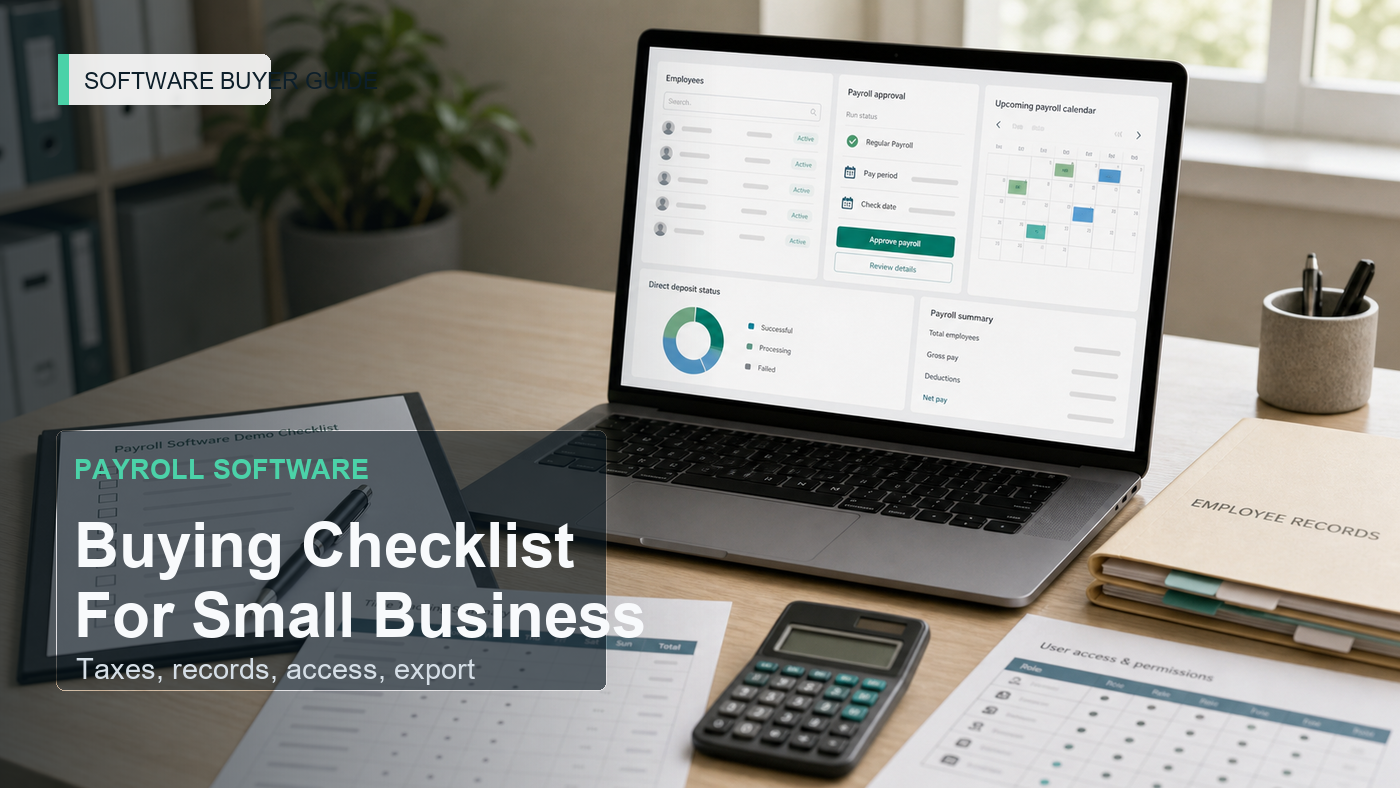
Payroll software is not just a nicer way to click “pay.” It handles wages, tax withholding, deposits, filings, direct deposit, employee records, contractor payments, time records, deductions, benefits, and year-end forms. If the system is wrong, the mistake can touch employees, tax agencies, accountants, and cash flow at the same time.
That is why a small business should not buy payroll software from a clean dashboard demo alone. The buying conversation has to prove who does what, when taxes are deposited, how records are kept, how access is controlled, and what happens when the business leaves.
This checklist is not tax advice. It is a practical demo and contract checklist for small businesses before they choose a payroll provider.
Start With The Payroll Reality, Not The Feature List
Write down how payroll works today. The answer may not be pretty. That is the point.
- How many employees are paid?
- How many contractors are paid?
- Which states or locations are involved?
- What pay schedules are used?
- Who approves hours?
- Who approves payroll before it runs?
- Who handles payroll tax deposits and filings?
- What benefits or deductions exist?
- What records does the accountant need?
- What year-end forms are required?
The demo should be built around that reality. A five-person office with salaried employees does not need the same workflow as a business with hourly staff, overtime, contractors, multiple locations, tips, benefits, and job-cost tracking.
1. Employee Setup Should Match Required Records
Payroll starts with employee data. The vendor should show how employees are created, what fields are required, who can edit them, and how changes are documented.
Ask about:
- Legal name and address
- Tax forms and withholding setup
- Pay rate and pay type
- Pay schedule
- Work location
- Employment status
- Direct deposit information
- Deductions
- Benefits
- Emergency contact or HR profile fields if included
FTC personal information guidance is relevant because payroll systems hold sensitive data such as names, Social Security numbers, bank details, account information, and payroll records. The software should make data collection and access deliberate.
2. Tax Responsibility Must Be Written Clearly
IRS employment tax guidance explains that employers must deposit and report federal income tax withheld, Social Security and Medicare taxes, and federal unemployment tax where applicable. A payroll vendor may help calculate, deposit, and file, but the business must know exactly what the vendor is responsible for.
Ask:
- Which payroll taxes are calculated?
- Which deposits are submitted by the provider?
- Which forms are filed by the provider?
- What employer approvals are required before filing?
- How late or failed deposits are handled?
- How tax notices are routed?
- What support is included for tax agency questions?
- Which local or state taxes are excluded?
Do not accept “we handle payroll taxes” as the full answer. Ask for the written scope.
3. Time Records And Wage Records Need A Home
DOL FLSA recordkeeping guidance says employers must keep certain payroll and wage records, and records on which wage computations are based. If the business has hourly workers, overtime, shift differentials, piece rates, or time-based job costing, time records matter as much as the pay run.
Ask whether the payroll software includes or integrates with:
- Time clock
- Timesheet approval
- Overtime rules
- Break tracking
- Paid time off
- Job or department codes
- Manager approval
- Time edit audit logs
- Export of time records
If time tracking is a separate tool, ask how it syncs and who owns errors.
4. Payroll Approval Should Be Hard To Skip
A small business needs a simple but firm approval process. Payroll should not run just because one person clicked through a screen without checking hours, new hires, terminations, bonuses, deductions, reimbursements, and bank cash.
Ask the vendor to show:
- Payroll preview
- Change summary since last payroll
- New employee alerts
- Terminated employee checks
- Large pay-change warnings
- Deduction changes
- Approval by a second user
- Submission deadline before direct deposit
- Cancel or reversal process
The demo should make the risk points visible before payroll is submitted.
5. Contractors Should Not Be Treated Like Employees
Many payroll systems also support contractor payments. That can be helpful, but the workflow should stay distinct from employee payroll.
Ask:
- How contractors are onboarded
- Which tax forms are collected
- How payments are approved
- Whether direct deposit is supported
- Whether year-end contractor forms are prepared
- How contractor records export
- What fees apply per contractor
The tool should not blur employee payroll, contractor payments, vendor bills, and reimbursements into one vague payment flow.
6. Employee Self-Service Should Reduce Admin Work Safely
Employee self-service can reduce payroll questions, but it also exposes sensitive records. Ask what employees can view, download, edit, or request.
Check:
- Pay stubs
- Tax forms
- Direct deposit changes
- Address changes
- Time off requests
- Benefits documents
- Mobile access
- MFA or account protection
- Access after termination
A terminated employee may still need year-end tax forms. The quote should explain how that access works.
7. Permissions And MFA Are Not Optional
Payroll is a high-value account. It holds personal data, pay rates, tax identifiers, bank details, and direct deposit instructions. CISA’s MFA guidance is directly relevant because MFA reduces the risk of account compromise.
Ask the vendor to show permissions for:
- Owner or admin
- Payroll processor
- Manager approving time
- Accountant
- HR user
- Employee self-service
- Benefits administrator
Then ask who can change bank information, pay rates, payroll tax settings, user roles, and direct deposit. Those actions should be logged.
8. Benefits, Retirement, And Deductions Need Boundaries
Payroll often connects to benefits, retirement plans, health insurance, workers’ compensation, garnishments, reimbursements, and deductions. The software may support some of these directly and integrate with others.
Ask:
- Which deductions are supported?
- Who configures benefits?
- How changes sync to payroll?
- How employer contributions are reported?
- What happens when a benefit provider changes?
- Which reports are available?
- Which services cost extra?
Benefits are one of the places where a cheap payroll plan can turn into a bigger stack of separate tools.
9. Accountant Access Should Be Part Of The Demo
The accountant or bookkeeper may need payroll reports, tax filing evidence, journal entries, contractor payment records, and year-end forms. Ask them what they need before buying.
During the demo, ask the vendor to show:
- Payroll journal entry export
- General ledger integration
- Payroll tax reports
- Employee payroll summaries
- Contractor payment summaries
- Cash requirement report
- Year-end package
- Audit logs
If the accountant cannot easily use the reports, the business may pay for cleanup outside the system.
10. Migration Should Include Prior Payroll History
Payroll migration is more sensitive than a normal software import. The business may need year-to-date wages, taxes, deductions, benefits, time off balances, employee records, contractor totals, and prior filings.
Ask what migrates:
- Employee profiles
- Year-to-date wages
- Tax withholding details
- Deductions
- Benefits
- Time off balances
- Contractor payment totals
- Payroll tax deposits
- Prior filings
- Pay stubs
- Audit history
Ask who checks migration before the first live payroll run. The first run should not be the test.
11. Pricing Should Include Real Payroll Events
Payroll pricing may depend on base fees, employees, contractors, states, payroll runs, direct deposit, tax filing, year-end forms, benefits, time tracking, HR features, workers’ comp, support, or implementation.
Ask for pricing based on real usage:
- Employees
- Contractors
- Multiple states or locations
- Weekly, biweekly, semimonthly, or monthly payroll
- Off-cycle runs
- Year-end forms
- Time tracking
- Benefits administration
- Accounting integration
- Implementation or migration support
A payroll quote should also explain cancellation timing, data access after cancellation, and fees for historical reports.
Payroll Software Demo Map
| Buying Area | What To Test | Approval Question |
|---|---|---|
| Employee setup | Profile, tax setup, pay rate, direct deposit | Can employee data be created and controlled safely? |
| Taxes | Withholding, deposits, filings, notices, support | What exactly does the provider handle? |
| Time records | Timesheets, overtime, approval, export, audit trail | Can wage records be preserved and reviewed? |
| Approval | Preview, change alerts, second approval, deadlines | Is payroll hard to submit by mistake? |
| Contractors | Onboarding, payment, records, year-end forms | Are contractors separate from employees? |
| Security | MFA, roles, bank changes, audit logs | Can sensitive payroll data be protected? |
| Benefits | Deductions, contributions, sync, reports | Which benefit workflows are included or extra? |
| Accounting | Journal entries, reports, tax evidence, GL sync | Can the accountant use the output? |
| Migration | YTD wages, taxes, balances, forms, prior filings | Who checks the first live payroll? |
| Exit | Pay stubs, tax forms, reports, audit logs, exports | Can the business leave with complete payroll records? |
Message To Send Before A Demo
Please prepare the payroll software demo around our real payroll: employee setup, contractor payments, tax deposits and filings, time records, overtime or deductions, payroll approval, direct deposit timing, employee self-service, MFA and role permissions, accountant reports, benefits or retirement integrations, migration of year-to-date payroll data, pricing by actual users and payroll events, and full export if we leave later.
FAQ
What should small businesses check before buying payroll software?
They should check employee setup, payroll tax handling, filings, time and wage records, approvals, contractor payments, employee self-service, MFA, permissions, audit logs, accountant reports, benefits, migration, pricing, cancellation, and data export.
Is payroll software responsible for payroll taxes?
It depends on the provider and plan. Some calculate, deposit, and file certain payroll taxes, while others require employer action. The quote should state exactly which taxes, forms, deposits, notices, and support are included.
Does payroll software need time tracking?
Hourly businesses often need time tracking or a reliable integration. The business should know how hours, overtime, edits, manager approvals, and wage-record exports work before choosing a payroll system.
What is the biggest payroll software buying mistake?
The biggest mistake is buying before confirming tax responsibility, time records, permissions, MFA, accountant reports, migration of year-to-date payroll, real pricing, cancellation terms, and complete export of payroll records.
Sources Checked
- IRS: Employment Taxes
- IRS: Employment Tax Due Dates
- U.S. Department Of Labor: FLSA Recordkeeping Requirements
- FTC: Protecting Personal Information, A Guide For Business
- CISA: Multifactor Authentication
The Buying Rule
Approve payroll software only when the demo proves how payroll is set up, approved, secured, filed, reported, migrated, priced, and exported. A payroll tool is not ready if it cannot explain who owns each tax, record, access, and employee-data responsibility.