
Software Buyer Brief
Expense Management Software Buying Checklist For Small Businesses
Short answer: a small business should buy expense management software only after it has tested receipt capture, expense categories, approval rules, reimbursement timing, corporate card controls, mileage and travel rules, accounting sync, tax record retention, role permissions, MFA, audit trails, policy enforcement, migration, pricing by real usage, cancellation terms, and complete export of expense data. The demo should follow a real employee expense from purchase to accounting close.
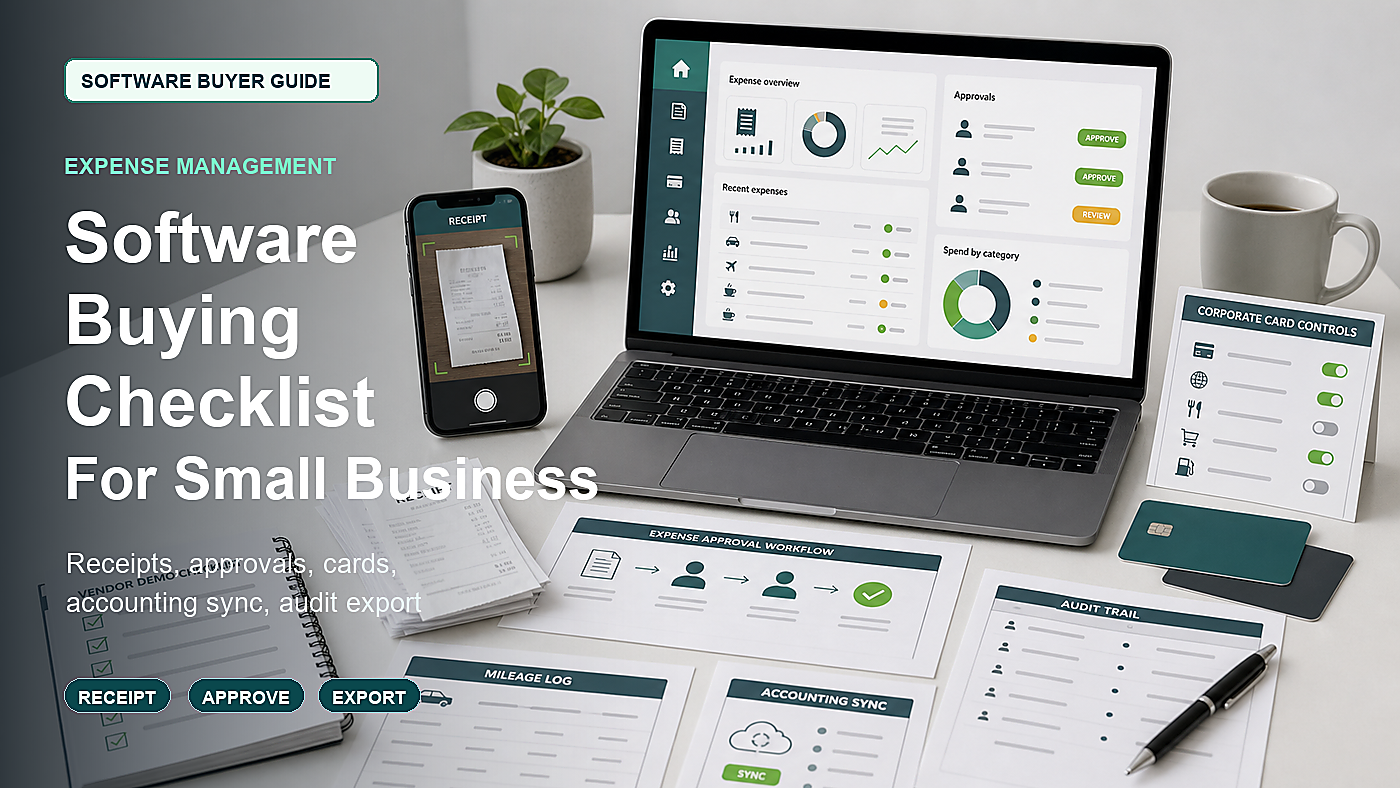
Expense management software is not just a receipt app. It can become the place where employee spending, reimbursements, corporate cards, mileage, approvals, accounting categories, tax records, and audit trails meet. If the workflow is weak, the business can end up with faster bad records.
The buying mistake is letting the vendor demo a perfect receipt and a beautiful dashboard. Real expenses are not perfect. Receipts are missing. Meals have guests. Mileage logs are incomplete. Card transactions arrive before the receipt. A manager approves too late. A category maps to the wrong account. An employee leaves before submitting a report.
This guide is for U.S. small businesses comparing expense report, reimbursement, corporate card, or spend management software. It is not tax advice. It is a practical buying checklist for deciding what the software must prove before contract approval.
Start With A Real Expense Path
Pick one expense that happens in the business today. Do not use the vendor’s sample transaction.
- Employee pays with personal card and asks for reimbursement.
- Employee uses a company card and uploads a receipt later.
- Manager approves a travel meal.
- Owner pays for software and needs the receipt in accounting.
- Technician drives to a job and reports mileage.
- Bookkeeper closes the month and reconciles unmatched transactions.
The demo should follow that path from purchase to final accounting record. If the vendor cannot show the ordinary messy case, the buyer does not yet know whether the product will reduce admin work.
1. Receipt Capture Should Handle Imperfect Receipts
Receipt capture is usually the first feature shown in an expense software demo. It is also the easiest feature to overtrust. A good demo should show what happens when the receipt is unclear, partial, late, duplicated, or attached to the wrong transaction.
Ask the vendor to show:
- Mobile receipt upload
- Email forwarding
- PDF receipt capture
- Card transaction matching
- Duplicate receipt detection
- Missing receipt workflow
- Manual correction of merchant, date, amount, and tax fields
- Multi-page receipts
- Foreign currency receipts if relevant
- Receipt image export
The buyer should ask how much of the capture is automated and how much still requires employee or finance review. OCR is helpful only when corrections are easy and visible.
2. Expense Categories Must Match Accounting Reality
Expense software should not create a second chart of accounts that fights the accounting system. If categories are too vague, the bookkeeper fixes them later. If categories are too rigid, employees choose the wrong one.
Ask:
- Can categories map to the accounting chart of accounts?
- Can departments, jobs, projects, or locations be added?
- Can default categories be suggested by merchant?
- Can risky categories require extra review?
- Can personal expenses be marked and withheld from reimbursement?
- Can split expenses be recorded?
- Can tax or receipt fields be required for certain categories?
Ask the accountant or bookkeeper to review the category map before the software is purchased. A slick employee app can still create bad accounting data.
3. IRS Recordkeeping Should Shape The Workflow
The IRS explains that businesses should keep records that support income, deductions, and credits, and its small-business pages on recordkeeping and deducting business expenses are useful buying references. Expense software should help the business keep complete, usable records rather than only pretty reports.
Ask the vendor:
- Can receipts be exported with expense reports?
- Can notes, attendees, purpose, and category fields export?
- Can audit trails be exported?
- How long are receipts retained after cancellation?
- Can the business bulk-download records by year?
- Are deleted or rejected expenses retained in audit history?
- Can the accountant access records without using an employee account?
A reimbursement tool that loses receipts when the plan is cancelled is not a safe system of record.
4. Travel, Meals, Mileage, And Reimbursements Need Policy Rules
IRS Publication 463 covers travel, gift, and car expenses, including recordkeeping concepts that matter when a business reimburses employee expenses. The software does not replace tax advice, but it should support the business policy and the records the accountant expects.
Ask whether the software can require or track:
- Business purpose
- Attendees for meals when relevant
- Trip dates
- Destination
- Mileage log fields
- Reimbursement rate rules
- Per diem rules if used
- Policy limits by category
- Manager approval before reimbursement
- Exception approval for over-limit expenses
If the business has simple local spending, it may not need advanced travel features. But if employees travel, the demo should prove the travel policy rather than just showing a generic expense form.
5. Approval Rules Should Fit The Actual Team
Small teams often start with one approver. That breaks when managers, departments, projects, locations, cardholders, or owner-only expenses are involved.
Ask the vendor to model:
- Manager approval
- Department approval
- Project or job approval
- Owner approval above a threshold
- Auto-approval for low-risk recurring expenses
- Rejected expense workflow
- Late approval reminders
- Approval delegation during vacation
- Emergency reimbursement exception
The software should make approval bottlenecks visible. Otherwise finance still chases people in chat, email, or spreadsheets.
6. Corporate Card Controls Need A Separate Demo
If the product includes corporate cards, virtual cards, prepaid cards, or card controls, do not treat that as a minor feature. Card controls affect spend limits, merchant restrictions, user access, accounting sync, fraud response, and employee offboarding.
Ask:
- Who can issue cards?
- Who can change card limits?
- Can cards be restricted by merchant category?
- Can virtual cards be created for subscriptions?
- Can cards be frozen instantly?
- What happens when an employee leaves?
- How card transactions match receipts?
- How disputes or suspicious charges are handled?
- What card fees or interchange terms apply?
Card features can be valuable, but the buyer should know whether the product is mainly expense reporting, card issuing, reimbursement, or all three.
7. Accounting Sync Should Be Tested With Bad Data
Accounting integration is where many expense tools either save time or create cleanup work. A demo should not only show a perfect approved report syncing cleanly. It should show the bad cases.
Ask the vendor to show:
- Chart of accounts mapping
- Vendor or merchant mapping
- Class, department, location, or project fields
- Credit card feed matching
- Reimbursement liability handling
- Receipt attachment sync
- Failed sync alert
- Duplicate transaction handling
- Month-end cutoff workflow
- Export if direct sync fails
Ask the bookkeeper what they need before signing. The finance cleanup cost can erase the savings from a cheap software plan.
8. Permissions And MFA Are Not Optional
Expense systems hold employee names, receipts, travel details, reimbursement information, card activity, accounting categories, and sometimes bank or payment details. The FTC personal information guide and CISA MFA guidance for small and medium businesses are relevant buying references.
Ask the vendor to show roles for:
- Employee
- Manager
- Finance admin
- Owner or executive approver
- Accountant or bookkeeper
- Card administrator
- Auditor or read-only user
Then test sensitive actions. Who can export all receipts? Who can change reimbursement bank information? Who can issue or freeze cards? Who can edit accounting categories? Who can override policy? Those actions should be logged.
9. Card And Payment Security Should Be Scoped Clearly
If the expense platform touches card data or card issuing, ask what security responsibilities belong to the vendor, the card issuer, the processor, and the business. The PCI Security Standards Council standards page is a useful starting point for understanding that payment card data has its own security expectations.
Ask:
- Does the platform store full card numbers?
- Are card details tokenized or masked?
- Which card data is visible to admins?
- How employee reimbursement bank details are handled?
- What security documentation is available?
- What happens if a card is compromised?
- How audit logs show card admin actions?
- Which parts of payment security are excluded from the vendor agreement?
Buyers do not need to become payment security specialists, but they should not buy card features from a vague answer.
10. Policy Enforcement Should Help Employees Before Finance Rejects Reports
A strong expense workflow catches policy problems early. It should not wait until month-end when finance rejects a stack of reports.
Ask whether the software can warn or block:
- Missing receipt
- Over-limit meal
- Wrong category
- Weekend or unusual transaction
- Duplicate receipt
- Old expense submitted late
- Missing business purpose
- Unapproved merchant category
- Personal expense marked for reimbursement
The best policy control is usually visible to the employee while they submit, not hidden in an admin report after the fact.
11. Migration Should Include Open Reports And Historical Receipts
Expense software migration can be awkward because open reports, card feeds, receipts, reimbursed items, rejected items, and accounting exports may all be at different stages.
Ask what migrates:
- Employee users
- Approval hierarchy
- Expense categories
- Departments, projects, jobs, or locations
- Open expense reports
- Historical expense reports
- Receipt images
- Card transaction history
- Reimbursement status
- Policy rules
- Accounting mapping
If historical records do not migrate, ask how the old system will be archived and who can access it after cancellation.
12. Pricing Should Be Built From Real Spend Activity
Expense software pricing can depend on users, active employees, cards, virtual cards, transactions, reimbursements, receipt volume, accounting integrations, approval workflows, support, implementation, and contract term.
Ask for pricing based on the real business:
- Number of employees submitting expenses
- Number of approvers
- Number of finance users
- Number of cards or virtual cards
- Monthly transactions
- Reimbursement volume
- Receipt storage
- Accounting integration
- Implementation support
- Data export after cancellation
- Renewal increase limits
Do not compare products only by per-user price. Compare the plan that includes the controls the business actually needs.
Expense Management Software Demo Map
| Demo area | What to see live | Risk if skipped |
|---|---|---|
| Receipt capture | Upload, email, match, correct, duplicate-check, and export receipts. | The team still chases missing or bad receipts manually. |
| Approvals | Manager, threshold, rejected report, reminder, and delegation workflow. | Finance waits on approvals or reimburses the wrong expenses. |
| Card controls | Issue, limit, freeze, offboard, match receipt, and audit card actions. | Spend control is weaker than the card feature suggests. |
| Accounting sync | Map categories, attach receipts, handle failed sync, and export fallback files. | The accountant receives faster but messier records. |
| Policy | Block or flag missing receipts, late reports, over-limit amounts, and personal expenses. | Policy enforcement happens after the month is already messy. |
| Security | Show MFA, permissions, export controls, card admin logs, and read-only access. | Too many users can view or change sensitive spend data. |
| Exit | Export reports, receipts, audit trails, categories, reimbursements, and card history. | The business cannot leave cleanly with usable records. |
Questions To Send Before The Expense Software Demo
- Please show a personal-card reimbursement from receipt upload to approval, accounting sync, and payment status.
- Please show a corporate-card transaction that arrives before the receipt.
- Please show a rejected expense and how the employee fixes it.
- Please show how categories map to our accounting system.
- Please show policy warnings for missing receipt, over-limit amount, and personal expense.
- Please show MFA, role permissions, card administrator actions, and audit logs.
- Please show a full export of reports, receipts, audit trails, and accounting data.
- Please show first-year pricing using our employee count, card count, transaction volume, integration needs, and support level.
Approval test: after the demo, the buyer should be able to explain how a real expense becomes a complete accounting record, who approves it, what policy rules apply, who can change card or reimbursement settings, and how the business exports every receipt if it leaves.
When A Simple Expense Tool Is Enough
A simple expense tool may be enough when the business only needs receipt capture, manager approval, reimbursements, basic accounting export, and a few employee users. The buyer should still require MFA, usable export, receipt retention, and clear cancellation terms.
A deeper spend management platform may be worth reviewing when the business has corporate cards, virtual cards, project coding, frequent travel, multi-level approvals, card limits, recurring software spend, or tighter accounting close requirements.
The best fit is the product that reduces the finance team’s cleanup work without giving employees and managers a confusing submission process.
Red Flags During The Sales Process
- The vendor cannot show a failed accounting sync.
- Receipt export is unclear or incomplete.
- Card controls are described without showing admin logs.
- MFA or role permissions are weak.
- Pricing excludes the number of cards, transactions, or integrations the business actually needs.
- Policy rules only work on expensive plans.
- Cancellation does not guarantee usable receipt and audit-trail export.
- The demo cannot model rejected or missing receipts.
FAQ
What should small businesses check before buying expense management software?
They should check receipt capture, expense categories, approval workflows, reimbursement timing, corporate card controls, mileage and travel rules, accounting sync, tax records, permissions, MFA, audit logs, policy enforcement, migration, pricing, cancellation, and export.
Is expense management software the same as accounting software?
No. Expense management software usually captures receipts, routes approvals, manages reimbursements or cards, and prepares expense data. Accounting software records the financial books. The two should sync cleanly, but they are not the same workflow.
Does a small business need corporate card features?
Not always. Corporate card features can help control spend and match receipts, but they add security, admin, issuer, and offboarding questions. A business that only reimburses occasional expenses may not need card issuing.
What security features matter in expense software?
Important features include MFA, role-based permissions, export controls, card admin logs, reimbursement data protections, employee offboarding, audit trails, encryption, incident response terms, and security documentation.
What is the biggest expense software buying mistake?
The biggest mistake is buying from a clean receipt demo without testing missing receipts, rejected expenses, card transactions, accounting sync failures, policy exceptions, full export, and real first-year pricing.
Sources Checked
- IRS: Recordkeeping
- IRS: Deducting Business Expenses
- IRS Publication 463: Travel, Gift, and Car Expenses
- FTC: Protecting Personal Information, A Guide for Business
- CISA: Require Multifactor Authentication for small and medium businesses
- PCI Security Standards Council: Standards
- NIST: Privacy Framework
Software Buyer Guide publishes practical buying checklists for small teams. We do not rank vendors by payment and we do not claim hands-on testing unless a product review says exactly how it was tested.