Software Buyer Brief
Employee Scheduling Software Buying Checklist For Small Businesses
Short answer: a small business should buy employee scheduling software only after it has tested shift creation, employee availability, time-off conflicts, shift swaps, open shifts, overtime warnings, break rules, mobile notifications, time clock or payroll handoff, manager permissions, MFA, audit logs, record exports, migration from current schedules, pricing by real users and locations, and cancellation terms. A pretty calendar is not enough.
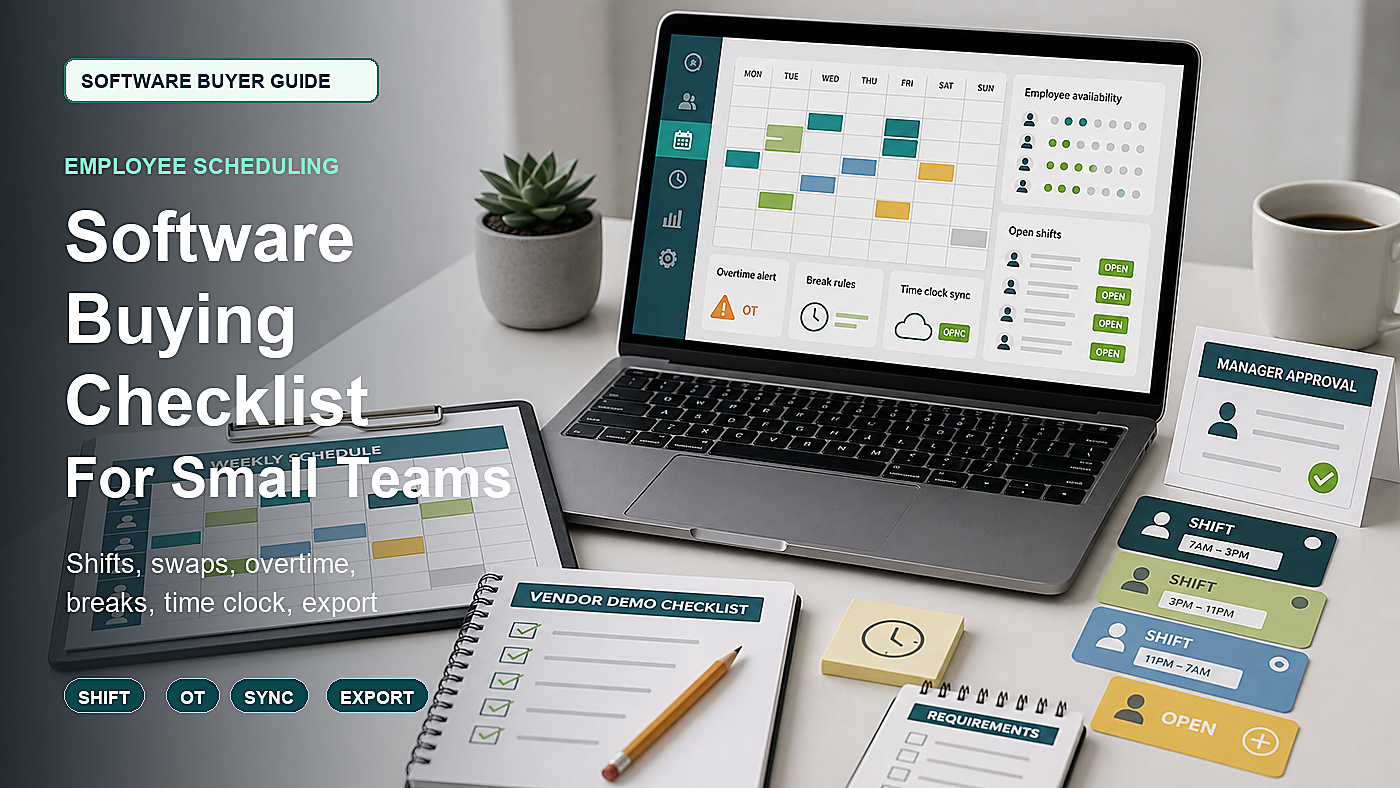
Employee scheduling software looks simple when the vendor shows a weekly calendar. Drag a shift. Publish the schedule. Send notifications. Done.
Real scheduling is not that clean. Someone is unavailable. A manager forgets to approve a swap. An employee picks up too many hours. A break rule is missed. A location is understaffed. Payroll receives hours that do not match the posted schedule. A terminated employee still has mobile access. The owner needs schedule records later and discovers export is limited.
This guide is for small businesses comparing scheduling, shift planning, time clock, or workforce management tools. It is not legal advice. It is a demo and contract checklist for buyers who need scheduling software to reduce operational cleanup, not just make a nicer calendar.
Start With One Real Week
Bring one real scheduling week to the demo. Use a week with problems, not a perfect one.
- Different employee availability
- One requested day off
- One open shift
- One shift swap
- One employee nearing overtime
- One manager approval
- One late change after schedule publish
- One payroll or time clock handoff
If the vendor cannot show that week, the buyer has not seen the product under normal operating pressure.
1. Shift Creation Should Match The Business, Not The Demo Template
The scheduling tool should support how the business actually staffs work. A restaurant, clinic, retail store, field service team, warehouse, salon, and support desk may all use shifts differently.
Ask the vendor to show:
- Single-location schedule
- Multi-location schedule if relevant
- Roles or job types
- Departments or stations
- Opening and closing shifts
- Split shifts if used
- Recurring shifts
- On-call or standby labels if used
- Schedule templates
- Copying one week to the next
Do not assume “templates” means the tool can handle the messy week. Ask the vendor to build the schedule live.
2. Availability And Time-Off Rules Should Block Bad Schedules Early
Employee availability is where a scheduling tool either saves the manager time or creates false confidence. A calendar that lets managers publish conflicts is only a prettier spreadsheet.
Ask:
- How employees submit availability
- Who approves availability changes
- How time-off requests appear during scheduling
- Whether unavailable employees can still be scheduled
- Whether conflicts warn or block publication
- How recurring availability works
- How temporary availability changes expire
- How managers override a warning
The best moment to catch a conflict is before the schedule is published, not after employees start texting the manager.
3. Overtime Warnings Need Real Hour Logic
Scheduling software often advertises overtime alerts. The buyer should test whether the alert understands the actual scheduling and timekeeping setup.
The U.S. Department of Labor’s overtime resources and FLSA recordkeeping guidance are relevant because scheduling, time records, and pay records are connected in real operations. The software should help managers see risk early, even though the employer still needs proper wage and hour compliance review.
Ask the vendor to show:
- Weekly hour totals
- Scheduled overtime warning
- Actual time worked versus scheduled time
- Multiple locations or departments in one total
- Open shift pickup that pushes someone over a threshold
- Manager override with reason
- Export of schedule and time records
If overtime warnings only work after time is clocked, the product may not prevent scheduling problems. It may only report them late.
4. Breaks And Meal Periods Need Workflow, Not Just A Note Field
Break and meal rules vary by location and business policy. The software should not quietly hide break planning in a notes field if managers need active reminders or coverage planning.
Ask:
- Can breaks be attached to shifts?
- Can break coverage be planned?
- Can unpaid and paid breaks be distinguished?
- Can missed breaks be flagged through time clock data?
- Can break rules vary by location?
- Can managers approve exceptions?
- Can break records export?
The demo should use one shift where break coverage matters. Otherwise the feature may look easier than it is.
5. Shift Swaps And Open Shifts Need Approval Controls
Shift swaps are useful until they bypass manager control. A bad swap can create understaffing, unqualified coverage, overtime, or location confusion.
Ask the vendor to show:
- Employee-initiated swap
- Manager approval before final swap
- Role or skill match requirement
- Overtime warning during swap
- Open shift claiming
- First-come versus manager-selected approval
- Notification to affected employees
- Audit trail of who approved the change
A swap should not be final just because two employees clicked buttons. The business needs the approval rule to match its staffing risk.
6. Mobile Notifications Should Be Useful, Not Noisy
Scheduling tools often sell mobile notifications as a major benefit. They can be, but employees and managers may ignore the system if every change creates noise.
Ask:
- Which changes notify employees?
- Can urgent and routine notifications be separated?
- Can employees confirm they saw a schedule?
- Can managers see unread or unconfirmed changes?
- Can notifications go by app, email, SMS, or all three?
- Are SMS messages included or extra?
- Can notifications be restricted after hours?
Ask for pricing that includes real notification volume if SMS or premium messaging costs extra.
7. Time Clock And Payroll Handoff Should Be Tested Together
Scheduling and timekeeping are related but not the same. A schedule says what should happen. A time clock records what did happen. Payroll needs the reviewed result.
Ask the vendor to show:
- Schedule-to-time-clock comparison
- Early clock-in warning
- Late clock-out warning
- No-show flag
- Manager time approval
- Timesheet edits with reason
- Payroll export or integration
- Record export after payroll closes
If the business already uses payroll software, test the actual integration. Do not rely on a generic integration badge.
8. Permissions Should Separate Owners, Managers, And Employees
A small business may start with one manager. It may quickly need role separation for owners, location managers, department leads, payroll users, and employees.
Ask the vendor to show permissions for:
- Owner or admin
- Location manager
- Department manager
- Scheduler
- Payroll or timekeeping user
- Employee self-service user
- Read-only auditor or accountant
Then test who can publish schedules, edit past shifts, approve swaps, override overtime warnings, export records, change roles, and deactivate employees.
9. MFA And Employee Data Protection Matter
Scheduling software contains employee names, work patterns, availability, time-off requests, location data, contact details, and sometimes time clock or payroll information. The FTC personal information guide, CISA MFA guidance, and NIST Privacy Framework are useful buying references.
Ask:
- Is MFA available for admins and managers?
- Can MFA be required?
- What employee data is stored?
- Who can view employee contact details?
- How terminated employee access is removed?
- Are admin actions logged?
- Can schedule and time records be exported securely?
- What security documentation is available?
Employee scheduling data can reveal more about a person than a simple name and email. Treat it as business-sensitive information.
10. Reporting Should Answer Staffing Questions
Reports should help the manager operate the business, not just show charts.
Ask for reports on:
- Scheduled hours by employee
- Scheduled hours by role
- Scheduled labor by location
- Open shifts
- Time-off conflicts
- Overtime risk
- Published schedule changes
- No-shows or missed clock-ins if time clock is included
- Schedule versus actual hours
- Payroll-ready export
If the business makes staffing decisions weekly, those reports need to be easy to pull without custom spreadsheet work.
11. Migration Should Include Templates And Employee Rules
Moving to scheduling software is more than importing names. The hard part is rebuilding the rules the manager already keeps in their head.
Ask what migrates or must be rebuilt:
- Employees
- Roles
- Locations
- Departments
- Availability
- Time-off balances or requests if used
- Schedule templates
- Open shift rules
- Approval workflows
- Payroll mappings
- Historical schedules if needed
Ask who checks the first published schedule before employees rely on it. The first live week should not be the test.
12. Pricing Should Include Every Person Who Touches The Schedule
Scheduling software pricing may depend on employees, managers, locations, active users, time clock features, payroll integrations, SMS notifications, support, implementation, and contract term.
Ask for a quote based on:
- Number of employees
- Number of managers
- Number of locations
- Time clock users
- Payroll integration
- SMS notification volume
- Schedule templates
- Reporting features
- Implementation support
- Renewal terms
- Cancellation and data export
A low plan may be fine if the business needs only simple scheduling. It is not fine if overtime, swaps, time clock, payroll export, or manager permissions are locked behind a higher tier.
Employee Scheduling Software Demo Map
| Demo area | What to see live | Risk if skipped |
|---|---|---|
| Shift creation | Build a real week with roles, locations, recurring shifts, and open shifts. | The tool may work for a sample calendar but not the business schedule. |
| Availability | Submit, approve, warn, override, and expire availability rules. | Managers still publish conflicts and fix them manually. |
| Overtime | Show scheduled hours, pickup shifts, actual hours, and overtime warnings. | The system reports overtime after it is already scheduled or worked. |
| Swaps | Test employee swap request, role match, manager approval, and audit log. | Unapproved swaps can create staffing, overtime, or qualification problems. |
| Time clock | Compare schedule to actual hours, approve edits, and export payroll-ready records. | Payroll receives hours that do not match the schedule or manager approval. |
| Security | Show MFA, manager roles, terminated access, admin logs, and export controls. | Employee schedule and contact data are exposed too broadly. |
| Exit | Export schedules, employee rules, time records, approvals, and audit history. | The business cannot leave cleanly with its staffing records. |
Questions To Send Before The Scheduling Demo
- Please build one real week with roles, availability conflicts, an open shift, and a swap request.
- Please show how overtime warnings work before the schedule is published.
- Please show break planning or break exception handling if included.
- Please show schedule-to-time-clock comparison and payroll export.
- Please show manager, payroll, owner, and employee permissions.
- Please show MFA, terminated employee access removal, and audit logs.
- Please show complete export of schedules, time records, approvals, and audit history.
- Please price the tool using our real employee count, manager count, locations, SMS use, time clock needs, payroll integration, and support requirements.
Approval test: after the demo, the buyer should know how the software handles one messy week, who can change the schedule, when overtime and conflicts are flagged, how time records reach payroll, and how the business exports records if it leaves.
When Simple Scheduling Is Enough
A simple scheduling tool may be enough when the business has one location, a small team, few shift swaps, minimal overtime risk, and no need for time clock or payroll integration. Even then, export, permissions, and cancellation terms still matter.
A deeper workforce management tool may be worth reviewing when the business has multiple locations, hourly workers, frequent swaps, overtime risk, break coverage, labor reporting, time clock needs, payroll integrations, or managers who need controlled access.
FAQ
What should small businesses check before buying employee scheduling software?
They should check shift creation, availability, time-off conflicts, swaps, open shifts, overtime warnings, break rules, mobile notifications, time clock or payroll handoff, permissions, MFA, audit logs, reporting, migration, pricing, cancellation, and export.
Is scheduling software the same as time clock software?
No. Scheduling software plans who should work and when. Time clock software records actual work time. Some products include both, but buyers should still test the schedule-to-time-record workflow and payroll export.
Can scheduling software prevent overtime?
It can help by warning managers before shifts are published or claimed, but it does not replace wage and hour review. Buyers should test how the product calculates scheduled and actual hours, including multiple locations and shift swaps.
What security features matter in scheduling software?
Important features include MFA, role-based permissions, employee data restrictions, terminated access removal, admin audit logs, secure exports, and security documentation.
What is the biggest scheduling software buying mistake?
The biggest mistake is buying from a clean calendar demo without testing availability conflicts, open shifts, swaps, overtime alerts, break handling, time clock handoff, payroll export, manager permissions, and cancellation export.
Sources Checked
- U.S. Department of Labor: Overtime Pay
- U.S. Department of Labor: FLSA Recordkeeping Requirements
- FTC: Protecting Personal Information, A Guide for Business
- CISA: Require Multifactor Authentication for small and medium businesses
- NIST: Privacy Framework
Software Buyer Guide publishes practical buying checklists for small teams. We do not rank vendors by payment and we do not claim hands-on testing unless a product review says exactly how it was tested.