Software Buyer Brief
Accounting Software Buying Checklist For Small Businesses
Short answer: a small business should buy accounting software only after it defines how money enters and leaves the business, which bank and card accounts must connect, who can approve invoices and bills, how receipts and payroll records are stored, what the accountant needs to see, how sales tax or contractor records are handled, what reports management needs, how MFA and permissions work, how old data will migrate, what the real monthly cost is, and how complete the export is if the business leaves.
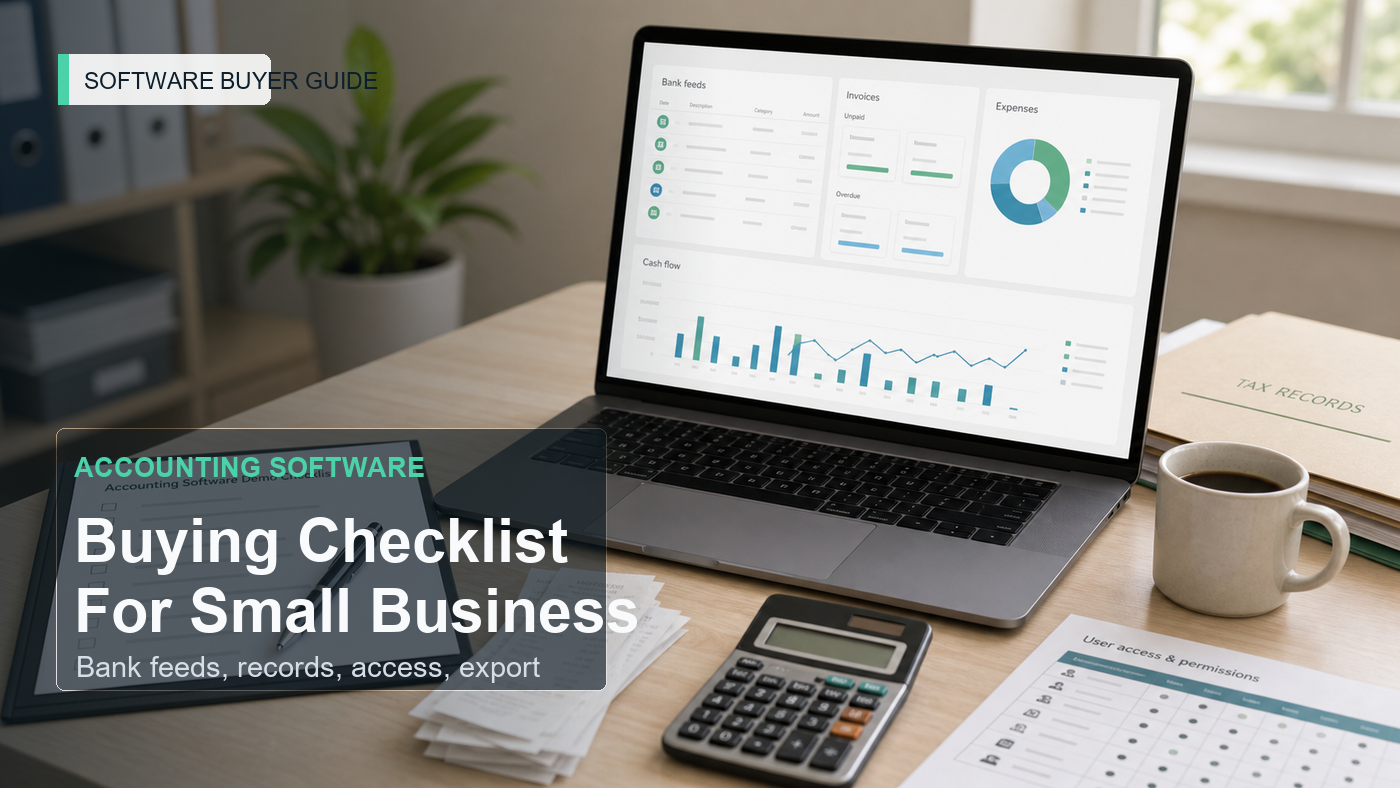
Accounting software is not just another admin tool. It becomes the record of sales, expenses, invoices, payroll entries, tax documents, bank reconciliation, vendor bills, customer balances, and management reports. A weak purchase decision can create months of cleanup.
The worst demo is the one that shows a clean dashboard but never touches the messy parts: missing receipts, duplicate bank transactions, owner reimbursements, contractor payments, sales tax questions, accountant access, month-end close, or export limits. A small business does not need every advanced feature. It needs clean books, controlled access, and records that can stand up later.
This checklist is for the buying conversation before a demo or trial.
Start With The Money Map
Before comparing software, draw the money map of the business. Name every place money enters, leaves, or needs to be documented.
- Checking accounts
- Credit cards
- Payment processors
- Invoices
- Point-of-sale systems
- Marketplace payouts
- Payroll
- Contractor payments
- Loan payments
- Owner contributions and draws
- Receipts and expense reimbursements
- Sales tax or VAT-style obligations where relevant
The software shortlist should fit that map. If the business has three payment processors and the demo only shows manual invoices, the demo is avoiding the real work.
1. Bank Feeds Should Be Tested, Not Assumed
Most accounting tools advertise bank feeds. The buying question is how well the feed works for the accounts the business actually uses.
Ask the vendor to explain:
- Which banks and cards are supported
- How often transactions refresh
- How duplicate transactions are detected
- How bank-feed outages are handled
- Who can reconnect accounts
- Whether read-only bank access is used
- How rules are created and reviewed
- How reconciliation exceptions are shown
A bank feed should reduce manual work. It should not create silent categorization errors that the bookkeeper finds three months later.
2. Invoicing Must Match How The Business Gets Paid
Invoicing needs differ by business. A consultant may need simple service invoices. A contractor may need deposits, progress billing, retainage notes, and change-order references. An online seller may care more about payment processor imports than invoices.
Ask whether the software supports:
- Invoice templates
- Recurring invoices
- Deposits or partial payments
- Payment links
- Late payment reminders
- Sales tax settings
- Customer statements
- Credit notes or refunds
- Approval before sending
If customers pay through a separate payment processor, ask how fees, payouts, chargebacks, and refunds are posted. The cash deposit may not match the gross sale, and the software needs to make that visible.
3. Expense Capture Is More Than A Receipt Photo
Receipt capture is useful only if it connects the receipt to the right transaction, vendor, category, project, customer, or reimbursement. IRS recordkeeping guidance emphasizes supporting documents for business transactions. The software should help keep those records organized, not only store images in a pile.
Check:
- Mobile receipt capture
- Email forwarding for receipts
- Attachment to bank transactions
- Vendor recognition
- Rules for owner reimbursements
- Project or customer tagging
- Missing receipt reports
- Export of receipts with accounting records
The right question is not “does it scan receipts?” It is “can we prove the expense later without searching five inboxes?”
4. Permissions Should Protect The Books From Friendly Mistakes
Accounting software often starts with one owner account and then spreads to bookkeepers, managers, accountants, payroll staff, operations staff, and sometimes sales employees who create invoices. That makes permissions central to the buying decision.
Ask what each role can do:
- View bank balances
- Create invoices
- Approve bills
- Pay vendors
- Change bank feed settings
- Change the chart of accounts
- Run payroll
- View payroll details
- Invite users
- Export data
- Delete transactions
CISA’s MFA guidance is relevant because accounting systems are high-value accounts. Ask whether MFA can be required for every user and whether accountant or contractor access follows the same rule.
5. Accountant Access Should Be Designed, Not Improvised
The outside accountant may need monthly review, tax-prep access, adjustment entries, report exports, payroll summaries, or year-end documents. The buying process should include that person before the business moves its books.
Ask the accountant or bookkeeper:
- Which accounting method and chart structure they prefer
- Which reports they need every month
- How they want supporting documents stored
- Whether they support the software
- How adjusting entries are handled
- How year-end tax records are exported
- What cleanup they expect before migration
A cheap plan can become expensive if the accountant has to rebuild the books outside the system.
6. Payroll And Contractor Payments Need A Separate Decision
Some accounting software includes payroll. Some integrates with payroll providers. Some only records payroll journal entries. The difference matters for taxes, filings, employee records, contractor forms, benefits, and cash planning.
Ask:
- Is payroll built in, integrated, or manual?
- Who files payroll taxes?
- How employee records are protected?
- How contractor payments are tracked?
- How payroll journal entries are posted?
- Whether payroll reports export cleanly?
- What happens when payroll is canceled?
Payroll data is sensitive. It should not be treated as a casual add-on during the demo.
7. Reports Should Answer Management Questions
A small business does not need every report. It needs the reports that help it decide what to do.
- Profit and loss
- Balance sheet
- Cash flow
- Accounts receivable aging
- Accounts payable aging
- Sales by customer or product
- Expenses by category
- Project profitability
- Budget versus actual
- Tax summary reports
During the demo, ask the vendor to build one report from a messy scenario: an overdue invoice, a bank fee, a reimbursed expense, a vendor bill, and a payment processor payout. Clean demo data hides reporting problems.
8. Integrations Should Have An Owner
Accounting integrations can touch money. That makes them more sensitive than many other software integrations.
List the systems that need to connect:
- Bank and credit card accounts
- Payment processors
- Point-of-sale systems
- Ecommerce platforms
- Payroll
- CRM
- Expense management
- Inventory
- Time tracking
- Tax tools
Ask who owns each integration, what data syncs, whether sync errors are visible, whether historical data imports, and how duplicate records are prevented.
9. Security Review Should Include Data, Not Just Login
Accounting software can contain personal information, bank details, payroll data, vendor information, customer records, and tax documents. FTC business guidance on protecting personal information starts with knowing what data the business has, keeping only what it needs, protecting it, disposing of what it no longer needs, and planning for incidents.
Ask the vendor about:
- MFA enforcement
- User roles and approval rights
- Accountant and contractor access
- Audit log availability
- Bank connection security
- Data retention
- Data deletion
- Data export
- Subprocessors
- Incident notice process
NIST small-business cybersecurity guidance is useful here because it frames security as a management process, not a single feature checkbox.
10. Migration Should Not Begin With Everything
Accounting migration is where weak buying shows up. Old categories, duplicate vendors, stale customers, unreconciled accounts, missing receipts, and prior-year balances can follow the business into the new tool.
Ask what will migrate:
- Chart of accounts
- Customers
- Vendors
- Open invoices
- Open bills
- Bank rules
- Products and services
- Attachments
- Payroll history
- Prior-year reports
- Opening balances
A good migration plan may start with opening balances and current-year activity, while keeping older records in exported archives. The right answer depends on accountant requirements and recordkeeping needs.
11. Pricing Should Include The Real Accounting Stack
The quoted software price may not include payroll, payments, extra users, accountant access, receipt capture, project tracking, inventory, advanced reporting, approval workflows, audit logs, or premium support.
Ask for a price model using real usage:
- Business owners
- Bookkeeper
- Outside accountant
- Managers who approve bills
- Employees who submit expenses
- Payroll users
- Payment processing volume
- Receipt capture volume
- Inventory or project tracking
- Annual renewal terms
The lowest monthly price is not useful if the business must add three paid modules to run its actual books.
Accounting Software Demo Map
| Buying Area | What To Test | Approval Question |
|---|---|---|
| Bank feeds | Connect, categorize, reconcile, handle errors | Can the team trust daily transaction flow? |
| Invoicing | Invoice, payment, fee, reminder, refund | Does it match how customers actually pay? |
| Expenses | Receipt capture, matching, reimbursement, export | Can the business prove expenses later? |
| Permissions | Owner, bookkeeper, manager, accountant, employee | Can users do only what they should? |
| Payroll | Payroll posting, filings, reports, cancellation terms | Is payroll included or a separate system? |
| Reports | P&L, cash flow, AR/AP aging, tax summaries | Do reports answer real management questions? |
| Integrations | Payments, POS, ecommerce, payroll, CRM, inventory | Who owns sync errors and duplicates? |
| Security | MFA, logs, access, exports, data retention | Can sensitive financial data be protected? |
| Migration | Balances, open items, customers, vendors, attachments | What cleanup is required before go-live? |
| Exit | General ledger, invoices, bills, attachments, reports | Can the business leave with complete records? |
Message To Send Before A Demo
Please prepare the accounting software demo around our real workflow: bank feeds, invoice payment, expense receipts, bill approval, accountant access, payroll or contractor records, tax record exports, monthly reports, integrations, MFA and permissions, audit logs, migration from our current system, pricing by real users and modules, and full data export if we leave later.
FAQ
What should small businesses check before buying accounting software?
They should check bank feeds, invoicing, expenses, receipts, permissions, accountant access, payroll or contractor records, reports, integrations, security, migration, pricing, renewal terms, and complete export options.
Is accounting software worth it for a very small business?
It can be worth it when it reduces manual bookkeeping, keeps records organized, improves invoice collection, supports tax preparation, and gives the owner reliable reports. It is not worth it if the setup creates messy categories and unreviewed bank rules.
Should a business choose accounting software before asking its accountant?
Usually no. The accountant or bookkeeper should review the chart of accounts, migration plan, reports, payroll needs, tax records, and export options before the business commits to a system.
What is the biggest accounting software buying mistake?
The biggest mistake is buying the cheapest plan before checking the real accounting stack: bank feeds, payments, payroll, approvals, accountant access, reports, security, migration cleanup, and export limits.
Sources Checked
- IRS: Recordkeeping
- IRS: What Kind Of Records Should I Keep?
- FTC: Protecting Personal Information, A Guide For Business
- CISA: Multifactor Authentication
- NIST: Cybersecurity Framework 2.0 Small Business Quick-Start Guide
The Buying Rule
Approve accounting software only when the demo proves how the business will keep reliable records, protect financial data, involve the accountant, reconcile real transactions, report clearly, and leave with complete books if the tool stops fitting.