Software Buyer Brief
Business VPN Buying Checklist For Small Teams
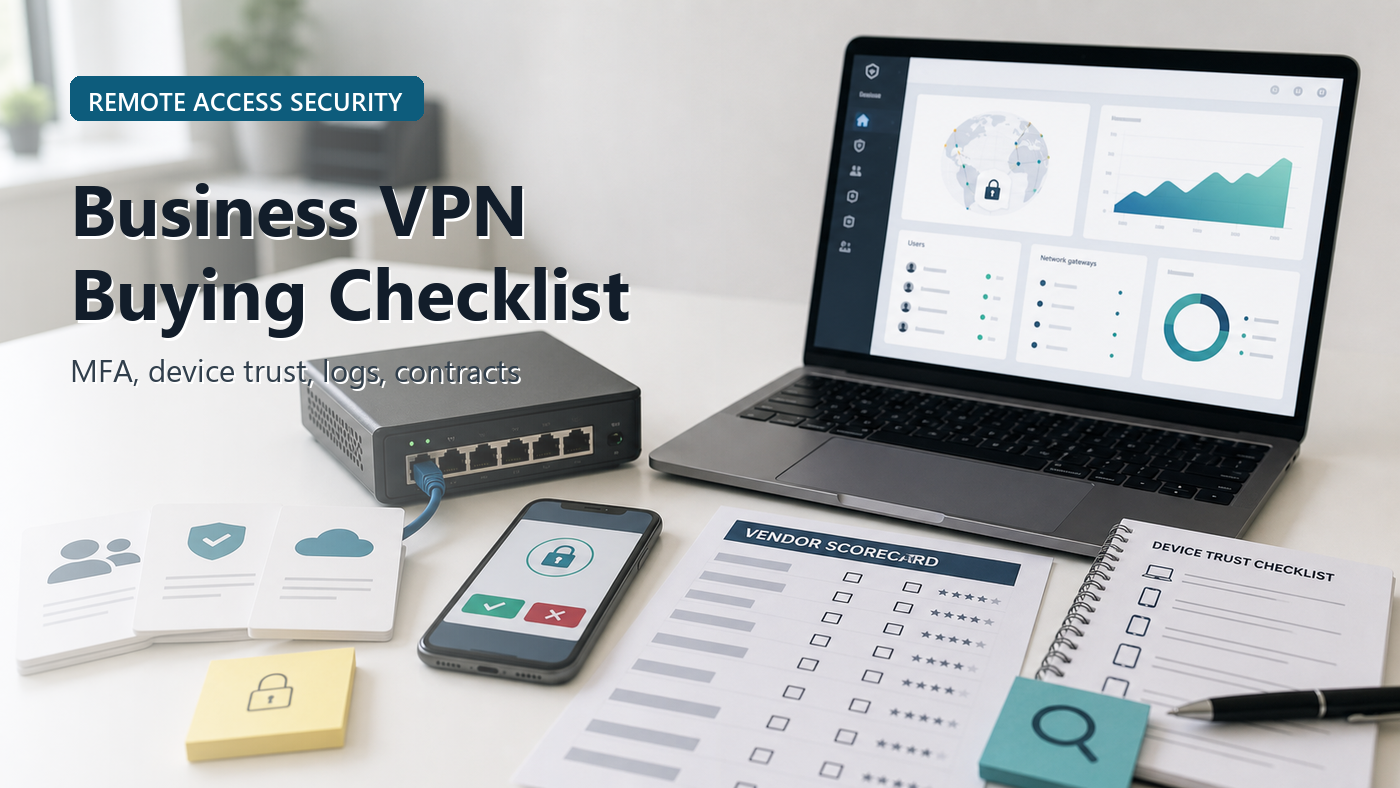
Short answer: a small team should buy a business VPN only after it defines who needs remote access, which internal systems they may reach, how MFA is enforced, which devices are trusted, who administers access, what logs are retained, how patches and vulnerabilities are handled, what support is included, how seats are priced, and how access can be removed when employees or vendors leave.
A VPN can be the right tool. It can also be the wrong shortcut.
Small teams often start shopping because someone needs to reach a file server, accounting system, on-prem application, admin panel, or remote desktop. The buying conversation then turns into a list of tunnels, regions, apps, appliances, and per-user pricing. That misses the real question: what should remote users be allowed to reach, from which devices, under whose approval?
This guide is not a ranking of VPN vendors. It is a buying checklist for small companies that need controlled remote access and want to avoid approving a tool that creates a new exposed doorway into the business.
Start With The Access Problem, Not The VPN Logo
Before a demo, write down the actual access problem. A bookkeeper working from home may need one accounting application. A managed IT vendor may need admin access to servers. A traveling executive may need secure access on hotel Wi-Fi. A warehouse team may need tablets to reach an internal inventory system. Those are different risk profiles.
NIST SP 800-46 Rev. 2 covers telework, remote access, and BYOD security as related but distinct issues. That is the useful framing for small teams: VPN software is only one part of remote access. Policies, devices, authentication, monitoring, and user responsibilities matter too.
If the team cannot describe the access problem in plain language, it is too early to compare pricing tiers.
1. Separate Business VPN From Consumer VPN
A consumer VPN is usually bought by an individual to route internet traffic through a provider’s network. A business VPN or remote access platform is bought to control access to company resources. The second problem needs admin control, identity integration, access rules, device requirements, logs, offboarding, support, and security updates.
Ask the vendor which use case the product is built for:
- Remote employee access to company systems
- Vendor or contractor access
- Site-to-site network connection
- Temporary access for IT support
- Secure browsing on public networks
- Replacement for older remote desktop exposure
Do not let the word “VPN” hide the difference. If the team needs business access control, a consumer-style privacy VPN will not answer the important admin questions.
2. Define Users, Groups, And Resources Before The Demo
The demo should not begin with “show us everything.” It should begin with a map of users and resources.
List the people who need access: employees, owners, finance staff, contractors, managed service providers, developers, support staff, and temporary users. Then list the systems they need: file shares, accounting software, ERP, CRM admin, code repositories, servers, databases, internal dashboards, cameras, point-of-sale systems, or remote desktops.
The checklist question is simple: can the VPN enforce different access for different groups? If everyone who connects can see the same flat network, the tool may create more access than the business intended.
Ask the vendor to show how a finance user, an IT admin, and an outside contractor would be configured differently.
3. MFA Is A Buying Requirement, Not A Nice Feature
CISA’s Enterprise VPN Security advisory says organizations that do not use multi-factor authentication for remote access are more susceptible to phishing attacks. CISA’s small and medium business guidance also says all remote access and privileged or administrative access should require MFA.
That makes MFA a baseline buying requirement. Ask how the product enforces MFA, which identity providers it supports, whether phishing-resistant methods are available, and whether local bypass accounts exist.
Check these details:
- Can MFA be required for every remote login?
- Can admin accounts require stronger MFA than normal users?
- Does the product support SSO or the identity provider the team already uses?
- Are emergency access accounts documented and monitored?
- Can access be removed automatically when a user leaves?
A VPN without clear MFA enforcement is a weak purchase, even if the tunnel itself uses strong encryption.
4. Device Rules Matter As Much As User Passwords
Remote access risk is not only about the person logging in. It is also about the laptop, phone, tablet, or contractor machine used to connect. A compromised personal laptop with valid VPN credentials can be a serious problem.
NIST’s telework guidance emphasizes securing telework client devices and remote access components. For buyers, that becomes a practical question: what device conditions can the VPN check or enforce?
Ask whether the product supports:
- Company-managed devices only
- BYOD restrictions or separate policy
- Operating system version checks
- Disk encryption checks
- Endpoint protection or EDR signals
- MDM integration
- Certificate-based device trust
A small team may not need every control on day one. It does need to know whether the product can grow beyond password-only access from any device.
5. Ask How The Vendor Handles Patching And Vulnerabilities
Remote access products are attractive targets because they sit at the edge of the organization. NSA and CISA’s VPN selection and hardening guidance says remote access VPN servers are entry points into protected networks and are targets for adversaries. Their guidance highlights standards-based products, strong authentication, prompt patching, and reducing attack surface.
Before buying, ask the vendor:
- How quickly are critical vulnerabilities disclosed and patched?
- Who applies patches: the vendor, the customer, or the managed service provider?
- How are emergency patches communicated?
- Is the product cloud-managed, appliance-based, software-based, or hosted by the customer?
- Which non-VPN features can be disabled to reduce attack surface?
- Where are security advisories published?
For a small company with no full-time security team, the operational model matters. A product that requires constant manual patching may be the wrong fit unless a provider is clearly responsible for it.
6. Logs Should Help You Answer Real Incident Questions
VPN logs are not useful because they exist. They are useful when they answer incident questions quickly: who connected, from where, using which device, to which resource, at what time, and whether the login looked unusual.
Ask for a sample log export before signing. Look for:
- User identity
- Source IP and rough location
- Device name or certificate
- MFA result
- Session start and end time
- Accessed application or network segment where available
- Admin policy changes
- Failed login attempts
- Export format and retention period
If the team uses a SIEM, help desk, identity provider, or endpoint tool, ask whether VPN events can be sent there. If not, ask who will actually review the VPN dashboard after purchase.
7. Split Tunneling, DNS, And Traffic Routing Need A Policy Decision
VPN products often offer routing choices. Some send all traffic through the business network. Some split traffic so only company resources go through the VPN. Some route access by application rather than broad network tunnel.
There is no universal answer. Full tunneling can improve visibility but may add performance and privacy concerns. Split tunneling can reduce load and improve user experience but may leave some traffic outside company monitoring. Application-based access can reduce broad network exposure but may require cleaner resource mapping.
The buyer should ask:
- What traffic goes through the VPN by default?
- Can different groups have different routing policies?
- How is DNS handled?
- Can risky destinations or admin systems be restricted?
- What happens when the VPN disconnects?
Do not approve the default setting without understanding it.
8. Admin Control Should Be Smaller Than The Whole Company
A small business often gives too many people admin rights because the tool needs to be set up quickly. That is risky for remote access. The VPN admin can create access paths, approve users, change policies, view logs, and sometimes connect systems.
Ask whether the product supports role-based admin permissions. The owner, IT provider, help desk technician, and auditor should not need the same access.
Also ask how admin actions are logged. If an admin disables MFA for a user, changes a routing policy, creates a contractor account, or exports logs, the business should be able to see that event later.
9. Performance And Support Need A Real Test Plan
VPN performance depends on more than the vendor’s claim. User location, broadband quality, data center location, routing, device age, protocol choice, server load, and the internal application all matter.
Run a small pilot before a full rollout. Test the highest-risk workflows:
- Accounting access during payroll or close
- File access for large documents
- Remote desktop or admin sessions
- Access from a home network
- Access from travel or public Wi-Fi
- Access after a password reset or device replacement
Support terms should be just as clear. Ask whether support is 24/7, business-hours only, ticket-only, phone-supported, or handled through a reseller. A remote access outage on Monday morning can stop real work.
10. Pricing Should Match Real Access, Not A Guess
VPN pricing can be per user, per device, per gateway, per site, per concurrent connection, per bandwidth tier, or bundled inside a firewall or security platform. A cheap plan can become expensive if vendors, devices, or gateways are priced separately.
Ask the vendor to price the real rollout:
- Employees who need daily access
- Occasional users
- Outside contractors and IT vendors
- Admin seats
- Gateway, appliance, or connector costs
- Support tier
- Log retention or SIEM export
- Implementation and migration work
Then ask what happens at renewal if the company grows, shrinks, or wants to move to a different remote access model.
11. Offboarding And Emergency Shutdown Belong In The Contract Conversation
A VPN is only useful if access can be removed cleanly. The team should know how to disable a user, revoke a device, remove a vendor, rotate credentials, disable a gateway, and export logs during an incident.
Ask for the offboarding workflow before buying. If the answer is “someone will remember to remove them,” the process is not ready.
Also ask what happens if the vendor relationship ends. Can configuration and logs be exported? How long does the vendor retain data? What happens to connector software, appliances, certificates, and admin accounts after cancellation?
Business VPN Buying Scorecard
| Buying Area | What To Confirm | Question To Ask |
|---|---|---|
| Use case | Remote employees, contractors, site-to-site, IT support, secure browsing | Which access problem are we actually solving? |
| Access scope | Users, groups, applications, network segments, contractor limits | Can access be limited by role and resource? |
| Identity | MFA, SSO, admin MFA, emergency accounts, offboarding | Can MFA be required for every remote login? |
| Devices | Managed devices, BYOD policy, certificates, MDM, endpoint signals | Can unknown or unhealthy devices be blocked? |
| Security upkeep | Patching, vulnerability notices, attack surface, hosting model | Who is responsible for urgent security updates? |
| Logs | Login events, device data, MFA result, admin changes, exports, retention | Can we answer who connected and what changed? |
| Routing | Full tunnel, split tunnel, DNS behavior, app-based access, disconnect rules | What traffic goes through the VPN? |
| Support | Pilot, setup help, outage response, reseller or vendor support | Who helps when remote access fails? |
| Contract | Seats, devices, gateways, logs, support tier, renewal, cancellation, export | What changes the bill after rollout? |
Message To Send Before The Vendor Demo
Before the VPN demo, please show how your product handles our three access groups: employees, admins, and outside contractors. We need to see MFA enforcement, device trust or BYOD controls, resource-level access limits, logging and export, patch responsibility, routing policy, offboarding, support terms, and the renewal pricing model for our actual user count.
FAQ
What should small teams check before buying a business VPN?
Small teams should check access scope, MFA enforcement, identity integration, device trust, admin roles, logging, patching responsibility, routing policy, support coverage, pricing model, renewal terms, offboarding, and log or configuration export.
Is a VPN enough to secure remote work?
No. A VPN can protect and control a connection, but remote work security also needs MFA, device security, access limits, patching, logging, user training, incident response, and clean offboarding.
Should a small business use a consumer VPN?
A consumer VPN may help an individual protect traffic on public networks, but it usually does not provide business access control, admin roles, identity integration, device policy, logs, offboarding, or support for company resources.
What questions should be asked before a VPN demo?
Ask who can access which systems, how MFA is enforced, whether unknown devices can be blocked, what logs are retained, who patches the product, how routing works, what support is included, and how users or vendors are removed.
Sources Checked
- CISA: Enterprise VPN Security
- CISA: Require Multifactor Authentication
- NIST SP 800-46 Rev. 2: Guide to Enterprise Telework, Remote Access, and BYOD Security
- NSA/CISA: Selecting and Hardening Remote Access VPNs
- FTC: Cybersecurity for Small Business
- FTC: Cybersecurity for Small Business – Secure Remote Access
The Buying Rule
Buy the VPN only when the team can explain the remote access model without vendor language. The right purchase tells the business who gets access, what they can reach, how their identity and device are checked, what the company can see in logs, who keeps the system patched, how support works, and how access ends. Without those answers, the VPN is not a security plan. It is another login screen.