
Cloud security posture management software should continuously find risky cloud configurations, identity exposure, logging gaps, public access, weak encryption, and policy drift across the accounts and services you actually use. Before buying, confirm coverage, benchmarks, prioritization, ownership, remediation workflow, exception handling, integrations, and reporting.
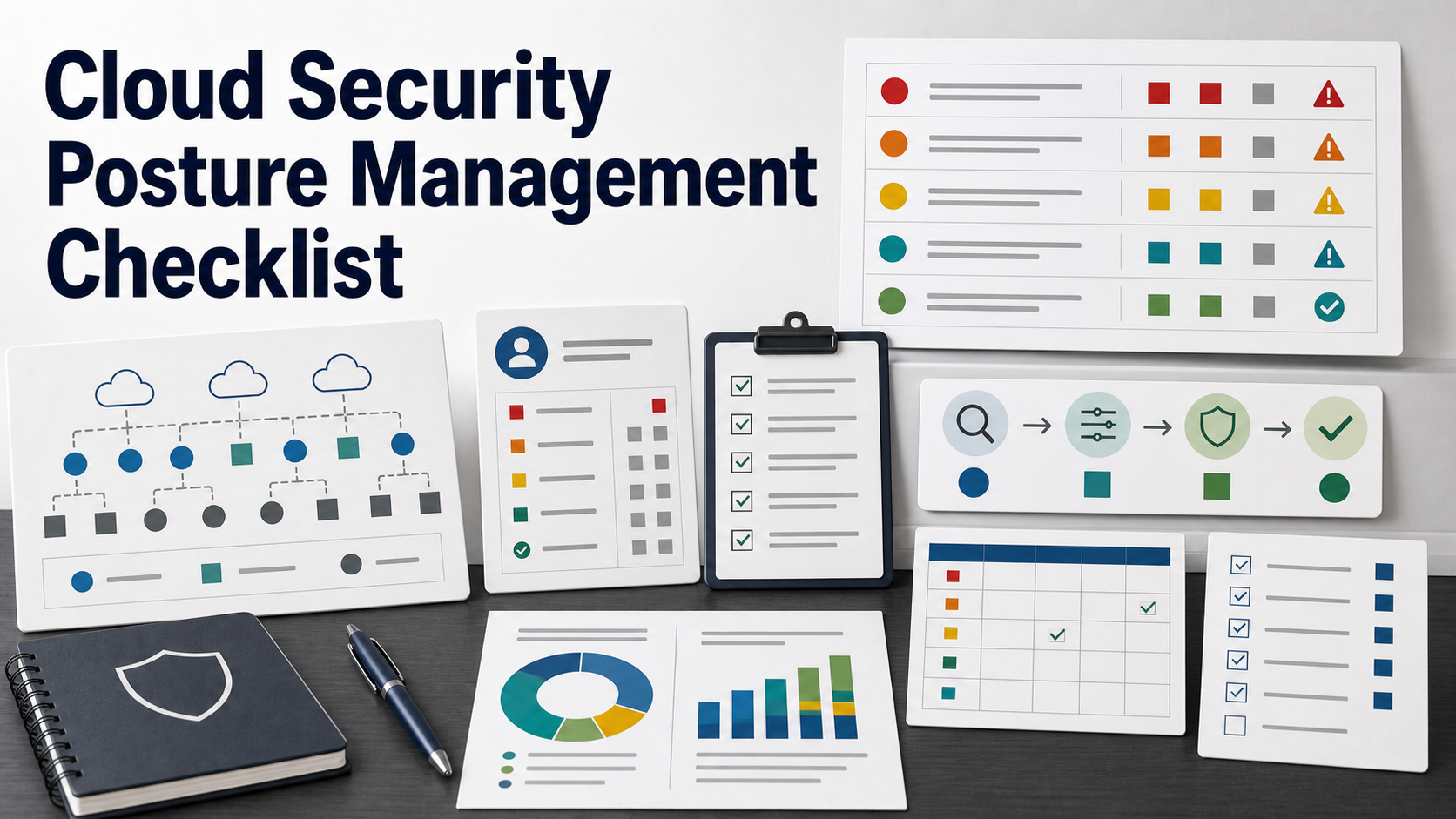
CSPM buying usually starts after cloud growth outpaces review. A startup has several cloud accounts, developers create storage and databases quickly, logs are inconsistent, and customer questionnaires ask how configuration drift is monitored.
The danger is buying a tool that only produces a long list of findings. A useful CSPM product helps teams decide what matters, who owns it, how it gets fixed, and what exceptions are accepted.
Define The Cloud Estate First
List the environments before comparing products: production accounts, development accounts, cloud projects, subscriptions, Kubernetes clusters, serverless services, object storage, databases, identity systems, networking, and security logging.
NIST cloud guidance emphasizes security and privacy considerations when using public cloud environments. For a buyer, that starts with knowing which cloud resources and data are in scope.
Separate CSPM From A Broader Platform Pitch
Some vendors package CSPM inside a broader cloud-native application protection platform. That may be useful, but the buying question remains specific: can the tool detect, prioritize, assign, and track cloud posture problems?
Do not pay for a broad platform until you know which parts you will operate. Vulnerability scanning, workload protection, entitlement management, container scanning, and code scanning may be separate decisions.
| Buying area | Question to ask | Why it matters |
|---|---|---|
| Coverage | Which cloud providers, accounts, services, regions, and identities are scanned? | Unsupported services create blind spots that look safe in dashboards. |
| Benchmarks | Which baselines, CIS Benchmarks, and custom policies can be used? | Findings must match your risk model, not only default rules. |
| Prioritization | Can the tool combine severity, exposure, identity, data sensitivity, and exploit path? | Teams cannot fix thousands of findings at once. |
| Remediation | How are owners assigned, tickets opened, exceptions tracked, and fixes verified? | A posture tool without workflow becomes another alert backlog. |
| Evidence | Can reports prove posture trends and control status for audits or customers? | Security reviews need exportable evidence, not only a live dashboard. |
Check Cloud Provider And Service Coverage
Ask for a coverage matrix. Which services are scanned deeply? Which are only inventoried? Which are not supported? Coverage should be specific for object storage, IAM, networking, compute, databases, Kubernetes, secrets, serverless, logging, and encryption settings.
If the company uses multiple clouds, ask whether findings are normalized or whether each cloud requires a separate operating model.
Use Benchmarks Without Outsourcing Judgment
CIS Benchmarks provide secure configuration recommendations for many technologies, including cloud platforms. They are useful buying anchors, but they are not the only policy source.
Ask whether the CSPM product supports CIS Benchmarks, custom policies, exceptions, mapped controls, and different baselines for production, development, regulated workloads, or sandbox accounts.
Identity Risk Should Be Central
Cloud incidents often involve identity and access. NSA and CISA cloud security guidance highlights secure cloud identity and access management practices and warns that access controls can be misconfigured.
Ask whether the tool analyzes over-permissioned roles, inactive credentials, public access, cross-account trusts, external sharing, privileged users, service accounts, and risky combinations of identity plus exposed resources.
Prioritization Must Reduce Noise
A CSPM trial may find thousands of issues. Ask how the product decides what to fix first. Good prioritization should consider public exposure, data sensitivity, identity privileges, internet reachability, exploit paths, compliance impact, and whether the resource is production.
Ask to see an example of two findings with the same severity label but different business urgency. The tool should help explain the difference.
Remediation Workflow Is The Real Product
Finding misconfigurations is only step one. Ask how findings become owned work: tickets, code pull requests, cloud console links, runbooks, approval paths, auto-remediation, or chat notifications.
If auto-remediation is available, ask where it is safe, where it is risky, how approvals work, and how rollbacks are handled.
Exception Handling Should Be Auditable
Some findings may be accepted temporarily or intentionally configured for a business reason. Ask whether exceptions require owner, reason, expiration date, compensating control, and reviewer approval.
An exception without expiration becomes forgotten risk. A good CSPM product should make accepted risk visible, not hide it.
Logging And Monitoring Gaps Need Attention
CISA and NSA cloud security best-practice materials emphasize cloud security practices across identity, network segmentation, logging, monitoring, and secure configuration. CSPM should identify when security logging, audit trails, and monitoring are missing or disabled.
Ask whether the product can detect disabled logs, overly short retention, unmonitored admin activity, and accounts that are not sending events to your security workflow.
Integrations Should Match Team Ownership
Cloud posture problems may belong to platform engineering, developers, security, DevOps, data teams, or compliance. Ask whether the tool integrates with ticketing, code repositories, chat, SIEM, identity, CMDB, asset inventory, and CI/CD.
If the team already manages infrastructure as code, ask whether the product can show the code location that created the misconfiguration or only the live cloud resource.
Reports Should Serve Buyers, Auditors, And Engineers
Executives need risk trends. Engineers need fix instructions. Auditors need evidence. Customers may need high-level assurance. Ask whether reports can be tailored to each audience without exposing sensitive cloud details.
Also ask whether historical posture is retained. A point-in-time dashboard may not prove that issues were monitored and fixed over time.
Before You Buy, Ask These Questions
- Which cloud accounts, services, regions, clusters, and identities are in scope?
- Which resources are deeply scanned versus only inventoried?
- Does the tool support CIS Benchmarks and custom policy baselines?
- How does it prioritize findings by exposure, identity, and data sensitivity?
- Can findings be assigned to real owners and tracked through tickets?
- How are exceptions approved, expired, and reviewed?
- Can the tool verify that a fix worked?
- Does it integrate with SIEM, ticketing, identity, asset inventory, and code repositories?
- Can it report posture history for audits and customer reviews?
- What permissions does the scanner need in each cloud account?
Related Buying & Pilot Checklists
- Evaluating Security Data Lake Tools: Technical & Contract Checks Before Buying
- How to Audit Browser Security Software Proposals Before Buying
- How to Audit MFA Management Software Proposals Before Rollout
- Interactive Multi-Year Software TCO Calculator
FAQ
Is CSPM only for large companies?
No. Smaller teams can benefit when they have multiple cloud accounts, sensitive data, customer security reviews, or limited time to manually inspect configuration drift. The tool must still be operable by the team.
Does CSPM fix cloud security automatically?
Not by itself. Some products offer remediation, but the buyer must define ownership, approvals, risk tolerance, and which changes can be automated safely.
What is the biggest CSPM buying mistake?
The biggest mistake is accepting a long findings list without workflow. CSPM value depends on prioritization, ownership, exception management, and verified fixes.
Should CSPM replace cloud provider native tools?
Not necessarily. Native tools may remain useful. CSPM is often evaluated for cross-account, multi-cloud, benchmark, workflow, and reporting needs that native tools may not handle consistently.
Sources
- NIST SP 800-144: Guidelines on Security and Privacy in Public Cloud Computing
- CISA and NSA: Cloud Security Best Practices
- NSA and CISA: Secure Cloud Identity and Access Management Practices
- CIS Benchmarks
- CISA: Cloud Security Technical Reference Architecture