
Software Buyer Brief
Document Management Software Buying Checklist For Small Businesses
Short answer: a small business should buy document management software only after it has tested folder and metadata design, search quality, OCR limits, version history, permissions, external sharing, MFA, sensitive document controls, retention rules, audit logs, e-signature handoffs, migration, pricing by storage and users, cancellation terms, and complete export. A shared drive with nicer buttons is not enough.
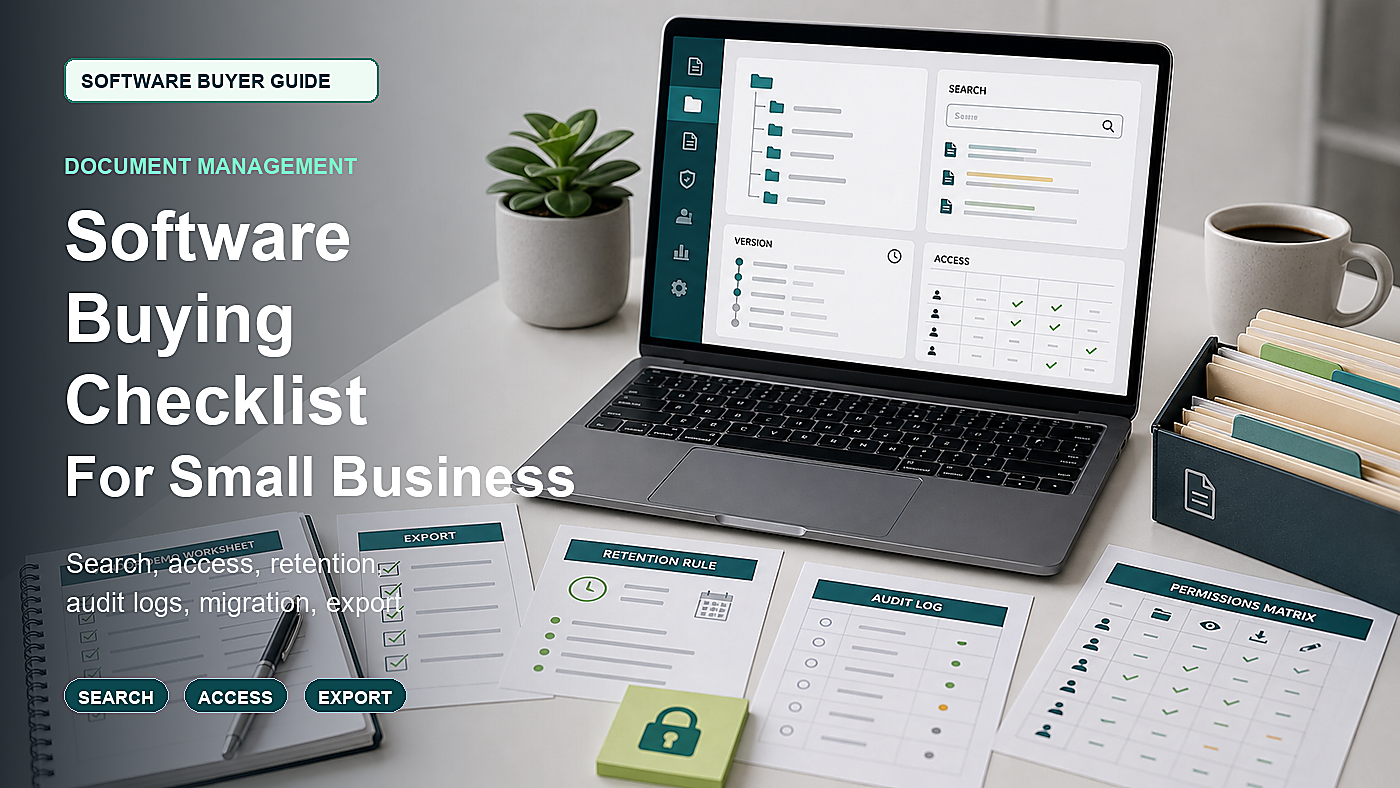
Document management software sounds like a storage problem. It is not. For a small business, documents include contracts, invoices, receipts, employee files, insurance forms, policies, proposals, vendor records, tax documents, customer files, and signed agreements. Losing control over those files can create legal, accounting, security, and operating problems at the same time.
The buying mistake is letting the vendor show a clean folder tree and a fast search bar. Real document work is messier. Someone uploads the wrong version. A contractor should see one folder but not the rest. A terminated employee still has access. A scanned PDF cannot be searched. A signed contract is stored without an audit trail. The business wants to leave and discovers export is painful.
This guide is for small businesses comparing document management systems, secure file management tools, contract folders, records repositories, or business cloud document platforms. It is not legal advice. It is a buying checklist for deciding what the system must prove before documents move into it.
Start With A Document Inventory
Before demos, list the document types the business actually stores. Use real examples, not generic folders.
- Customer contracts
- Vendor agreements
- Invoices and receipts
- Employee files
- Insurance documents
- Policies and procedures
- Tax records
- Licenses or permits
- Project files
- Signed forms
The demo should use those document types. If every vendor demo stays on sample marketing PDFs, the buyer has not tested the actual risk.
1. Folder Structure And Metadata Need A Plan
A document tool can become a messy shared drive if the folder structure is not designed. The buyer should decide whether the business organizes documents by customer, vendor, employee, project, year, department, document type, or a mix.
Ask the vendor to show:
- Folder templates
- Required metadata fields
- Document type tags
- Customer or vendor tags
- Employee file separation
- Project or job folders
- Year-based archives
- Duplicate file warnings
- Naming rules
Metadata matters because people rarely remember the exact folder later. A document should be findable even when the uploader chose the wrong place.
2. Search Should Be Tested With Scans And Bad Names
Search is often the feature that sells the product. Test it hard.
Ask the vendor to search across:
- Clear PDF files
- Scanned PDF files
- Images of receipts
- Contracts with poor file names
- Documents with metadata tags
- Old versions
- Archived folders
- Restricted folders
If the product uses OCR, ask what file types, languages, handwriting, image quality, and storage tiers are supported. OCR that works only on clean samples may not help with real business files.
3. Version History Should Stop File Confusion
Small teams often lose time because several versions of one file live in different folders or email threads. A document management system should make current, previous, draft, approved, and signed versions clear.
Ask:
- Can users check out or lock a document?
- Can old versions be restored?
- Can the business see who changed a file?
- Can draft and approved versions be separated?
- Can signed versions be protected from editing?
- Can version history be exported?
- Can retention rules apply to old versions?
If version control is weak, the business may still rely on file names like “final-final-signed-v3.”
4. Permissions Must Be More Granular Than Shared And Private
Document permissions are where many tools look fine until the buyer tests real access groups.
Ask the vendor to create roles for:
- Owner or admin
- Manager
- Finance user
- HR user
- Sales user
- Project user
- Outside accountant
- Outside contractor
- Read-only auditor
Then test specific actions. Who can view? Who can download? Who can share externally? Who can delete? Who can restore? Who can export all files? Who can change retention rules?
5. Personal Information Security Should Be A Buying Requirement
Document systems often hold personal information: employee records, customer details, bank forms, tax documents, addresses, IDs, insurance records, and contracts. The FTC guide to protecting personal information is directly relevant because it focuses on collecting only what is needed, limiting access, protecting data, and disposing of information safely.
Ask:
- Can sensitive folders have stricter permissions?
- Can download be restricted?
- Can external sharing be blocked by default?
- Can watermarks be added for sensitive files?
- Can documents be encrypted in transit and at rest?
- Can admins see all external shares?
- Can access be removed when someone leaves?
- Can deleted files be recovered or permanently deleted under policy?
A file system that makes sharing easy but review hard can create more risk than it removes.
6. MFA And Admin Controls Are Not Optional
CISA’s MFA guidance for small and medium businesses is relevant because document systems are often a high-value target. If an account is compromised, the attacker may see contracts, employee records, customer files, and financial documents.
Ask the vendor to show:
- MFA for admins
- MFA enforcement for all users if available
- Single sign-on support if needed
- Session controls
- External sharing controls
- Admin audit logs
- Access review reports
- Inactive user reports
Security controls should be demonstrated, not promised on a slide.
7. Retention Rules Need Human Review
Document retention is not simply “keep everything forever.” The right retention decision depends on document type, law, contract terms, tax records, employee records, disputes, and business policy.
The IRS small-business recordkeeping guidance is a useful reminder that records should support business activity and tax positions. The NIST Privacy Framework is also useful for thinking about data processing and privacy risk. The software should help the business apply policy, but it should not silently decide legal retention for the business.
Ask:
- Can retention vary by document type?
- Can legal holds or manual holds be applied?
- Can archived documents stay searchable?
- Can expired documents be reviewed before deletion?
- Can deleted documents be audited?
- Can retention rules be exported?
- Can the business override deletion when needed?
Retention rules are a governance feature, not just an automation feature.
8. External Sharing Should Have Expiration And Visibility
External sharing is one of the most convenient features and one of the easiest to misuse.
Ask the vendor to show:
- Password-protected links
- Link expiration
- Download restrictions
- View-only sharing
- External user folders
- Share approval workflow
- External share inventory
- Revocation of links
- Audit trail for shared files
Ask for a report of every externally shared document. If that report is hard to find, external sharing may be too risky for sensitive records.
9. E-Signature Handoff Should Preserve The Record
Some document tools include e-signature. Others integrate with an e-sign provider. Either can work, but the buyer should know where the signed record, certificate, audit trail, and final PDF live.
Ask:
- Is e-sign built in or integrated?
- Where does the final signed PDF live?
- Is the signature certificate stored?
- Is the signing audit trail stored?
- Can signed documents be locked?
- Can reminders be sent?
- Can unsigned drafts be separated from signed agreements?
- Can all signed documents be exported?
The signed document is often the most important version. It should not be scattered across email, the e-sign tool, and the document system with no clear source of truth.
10. Migration Should Include Folder Cleanup, Not Just Uploading Files
Document migration can be painful because the old system may contain duplicates, bad names, old versions, missing owners, inactive users, and files that should not move.
Ask what the vendor helps migrate:
- Folders
- Files
- Metadata
- Owner fields
- Permissions
- Version history
- External links
- Deleted or archived records
- Audit history
- Retention labels
Ask who cleans duplicates and who checks sample folders before go-live. A fast upload is not the same as a clean migration.
11. Export And Exit Terms Should Be Tested Before Buying
The business should know how it leaves before it enters. Document systems can create lock-in through folder structure, metadata, version history, permissions, audit logs, and storage volume.
Ask for a live export of:
- Folder structure
- Files
- Metadata
- Version history
- Permissions report
- External sharing report
- Audit logs
- Retention labels
- Signed document evidence if applicable
If the vendor cannot explain export clearly, do not assume cancellation will be clean.
12. Pricing Should Include Storage, Guests, And Admin Features
Document management pricing can depend on users, storage, guests, OCR pages, workflow automation, e-signature, retention rules, audit logs, API access, migration support, and support level.
Ask for a quote based on:
- Internal users
- External users or guests
- Storage volume
- OCR volume
- Number of signed documents if e-sign is included
- Retention features
- Audit log access
- Migration support
- Security features
- Export after cancellation
- Renewal terms
A cheap storage plan may not include the controls that make a document system safe for business records.
Document Management Software Demo Map
| Demo area | What to see live | Risk if skipped |
|---|---|---|
| Structure | Create folders, metadata, document types, and templates for real files. | The system becomes a messier shared drive. |
| Search | Search PDFs, scans, images, metadata, archived folders, and restricted files. | Important records are stored but not findable. |
| Permissions | Test roles, sensitive folders, download limits, external users, and admin changes. | Too many people can view, share, delete, or export sensitive files. |
| Retention | Apply retention labels, holds, archive rules, review before delete, and audit logs. | Records are kept too long, deleted too soon, or impossible to audit. |
| Sharing | Create external links, expire them, revoke them, and report all active shares. | Sensitive files leak through forgotten links. |
| Migration | Map folders, metadata, permissions, versions, owners, and sample validation. | Old file chaos moves into the new system. |
| Exit | Export files, metadata, versions, audit logs, permissions, and signed evidence. | The business cannot leave with usable records. |
Questions To Send Before The Document Management Demo
- Please build a folder and metadata structure for contracts, invoices, employee records, and vendor files.
- Please search a scanned PDF, a poorly named contract, and a file tagged by metadata.
- Please show version history, file locking, restore, and signed-document protection.
- Please show permissions for owner, manager, finance, HR, outside accountant, contractor, and read-only auditor.
- Please show MFA, external sharing controls, expired links, and a report of all shared documents.
- Please show retention labels, legal holds, archive, deletion review, and audit logs.
- Please show migration of folders, metadata, permissions, and sample records.
- Please show full export of files, metadata, versions, audit logs, and permissions before cancellation.
Approval test: after the demo, the buyer should know how documents are organized, found, restricted, shared, retained, audited, migrated, and exported. If one of those answers is vague, the system is not ready to hold important business records.
FAQ
What should small businesses check before buying document management software?
They should check folder and metadata design, search and OCR, version history, permissions, MFA, sensitive document controls, external sharing, retention rules, audit logs, e-sign handoff, migration, storage pricing, cancellation, and export.
Is document management software the same as cloud storage?
No. Cloud storage mainly stores and shares files. Document management software should add stronger structure, metadata, permissions, version control, retention, audit logs, workflows, and export controls for business records.
What security features matter most in document management software?
Important features include MFA, role-based permissions, sensitive folder controls, external sharing reports, download restrictions, audit logs, inactive user reports, encryption, retention controls, and secure export.
Should a document management system include OCR?
OCR can be useful when the business stores scanned PDFs, receipts, contracts, or image-based records. Buyers should test OCR with real file quality and confirm whether OCR volume costs extra.
What is the biggest document management buying mistake?
The biggest mistake is buying from a clean folder demo without testing search, permissions, external sharing, retention, migration, audit logs, and full export using the company’s real document types.
Sources Checked
- FTC: Protecting Personal Information, A Guide for Business
- CISA: Require Multifactor Authentication for small and medium businesses
- IRS: Recordkeeping
- NIST: Privacy Framework
Software Buyer Guide publishes practical buying checklists for small teams. We do not rank vendors by payment and we do not claim hands-on testing unless a product review says exactly how it was tested.