
Software Buyer Brief
Endpoint Privilege Management Software Checklist Before Buying
Short answer: Shortlist endpoint privilege management software only if it can remove standing local admin rights, approve temporary elevation, target policies by role and device, log every exception, control application risk, and roll back safely when a policy disrupts work.
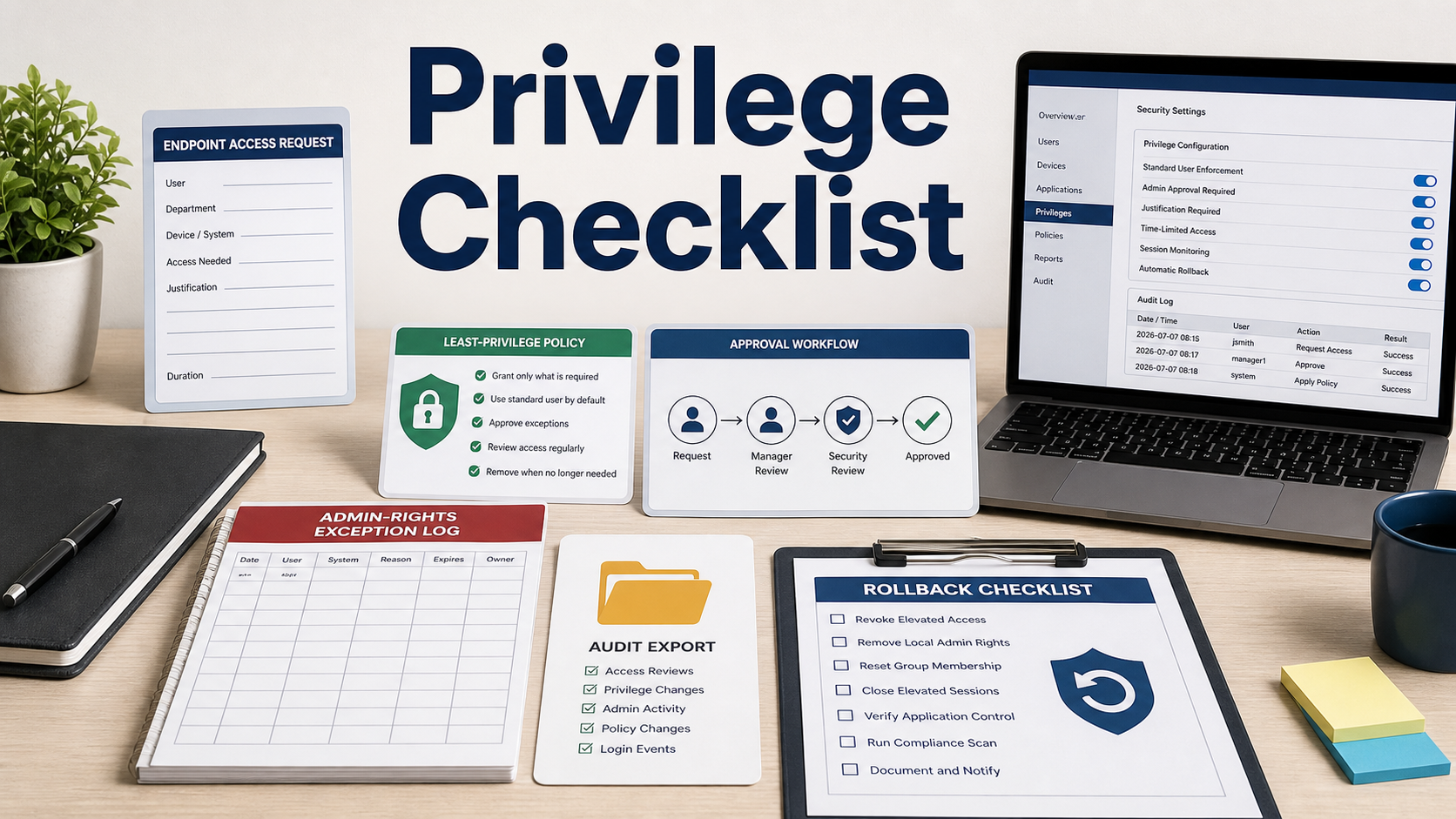
Endpoint privilege management sounds like a simple admin-rights toggle until users cannot install approved tools, update drivers, or run business-critical applications. The buyer test is whether the product controls elevation without turning IT into a manual approval desk.
Do not compare vendors only by blocked-threat claims. Ask how policy decisions are made, how exceptions are approved, and what evidence remains after a user elevates a process.
Start With The Admin-Rights Baseline
Ask how the product discovers current local administrators, unmanaged endpoints, shared accounts, and devices that cannot yet be controlled. You need the baseline before you can measure improvement.
The demo should show how users are moved out of standing admin groups and what happens when a device is offline, remote, or missing the agent.
Inspect Elevation Workflow
Controlled elevation should support request, approval, time limit, reason, target application, and automatic expiration. If elevation is all-or-nothing, the tool may only replace one broad risk with another.
Ask whether approvals can be routed by user group, device type, business unit, risk level, or application category. Small teams need simple defaults, but they still need traceable decisions.
Check Policy Targeting And Testing
Good policy targeting lets you pilot with a small group before broad rollout. Confirm support for audit mode, report-only mode, staged enforcement, exception lists, and emergency bypass.
A vendor should be able to explain what data proves a policy is ready to enforce. If the answer is try it and see, expect helpdesk spikes.
Review Application Control Context
Privilege elevation and application control often meet at the same moment. Ask whether the product can evaluate publisher, hash, path, command line, parent process, script, installer type, and reputation data.
The goal is not to block every unusual action. The goal is to approve known business tasks with enough context to stop risky or unexplained elevation.
Verify Evidence And Rollback
Every elevation should leave useful evidence: user, device, application, reason, approver, duration, command details where available, and policy that allowed it. Export quality matters for audits and incident review.
Rollback is part of purchase readiness. Ask how a bad policy is disabled, how quickly endpoints receive the change, and whether users can continue work while IT investigates.
Endpoint Privilege Requirements To Confirm
| Quote area | What to confirm | Why it matters |
|---|---|---|
| Discovery | Current local admins, unmanaged devices, shared accounts, and offline behavior | Shows the real starting point before rollout |
| Elevation | Request reason, approval, time limit, target app, and automatic expiration | Prevents permanent broad admin access |
| Policy | Role, group, device, app, and risk-based targeting | Keeps rollout practical across different teams |
| Testing | Audit mode, staged enforcement, exception lists, and emergency bypass | Reduces disruption during deployment |
| Evidence | User, device, app, approver, duration, policy, and exportable logs | Supports audits and incident review |
Questions To Ask Before Approval
- How does the product discover existing local admin rights?
- Can elevation be limited to one application and one time window?
- What policy-testing mode exists before enforcement?
- How are emergency bypasses approved and logged?
- Can logs show user, device, app, reason, and approver?
- How fast can a bad policy be rolled back?
- What user experience changes should we expect during rollout?
Red Flags In This Quote
A product that removes admin rights without staged testing can create avoidable helpdesk load.
Elevation logs that omit the application, reason, or approver are weak evidence.
A vendor that cannot explain rollback should not be trusted with broad endpoint enforcement.
Source Links
- CISA Zero Trust Maturity Model
- NIST SP 800-53 security and privacy controls
- FTC Safeguards Rule business guidance
FAQ
What does endpoint privilege management software do?
It helps remove standing local admin rights and grants controlled, logged elevation for approved tasks, users, devices, or applications.
Is privilege management the same as endpoint protection?
No. Endpoint protection detects or blocks threats, while privilege management controls what users and processes can do with elevated permissions. They can complement each other.
What should I test before buying?
Test admin discovery, elevation request flow, policy targeting, audit mode, exception handling, logging detail, and rollback using real user scenarios.
Can this reduce helpdesk tickets?
It can if policies are well designed. Poorly tested enforcement can increase tickets, so pilot groups and staged rollout matter.
What evidence should be exported?
Look for user, device, application, command or installer context, reason, approver, policy, duration, timestamp, and final action.
Internal Link Candidates
- Access review software checklist
- Configuration compliance software checklist
- Policy management software checklist
Least privilege is a rollout problem as much as a security goal; buy the tool that proves how exceptions, evidence, and rollback will work.