
Passwordless authentication software should reduce password exposure without breaking access. Before buying, check whether it supports phishing-resistant authentication, passkeys or hardware keys, device and browser coverage, legacy applications, privileged users, account recovery, lifecycle management, compliance evidence, user support, and export or portability if you change platforms later.
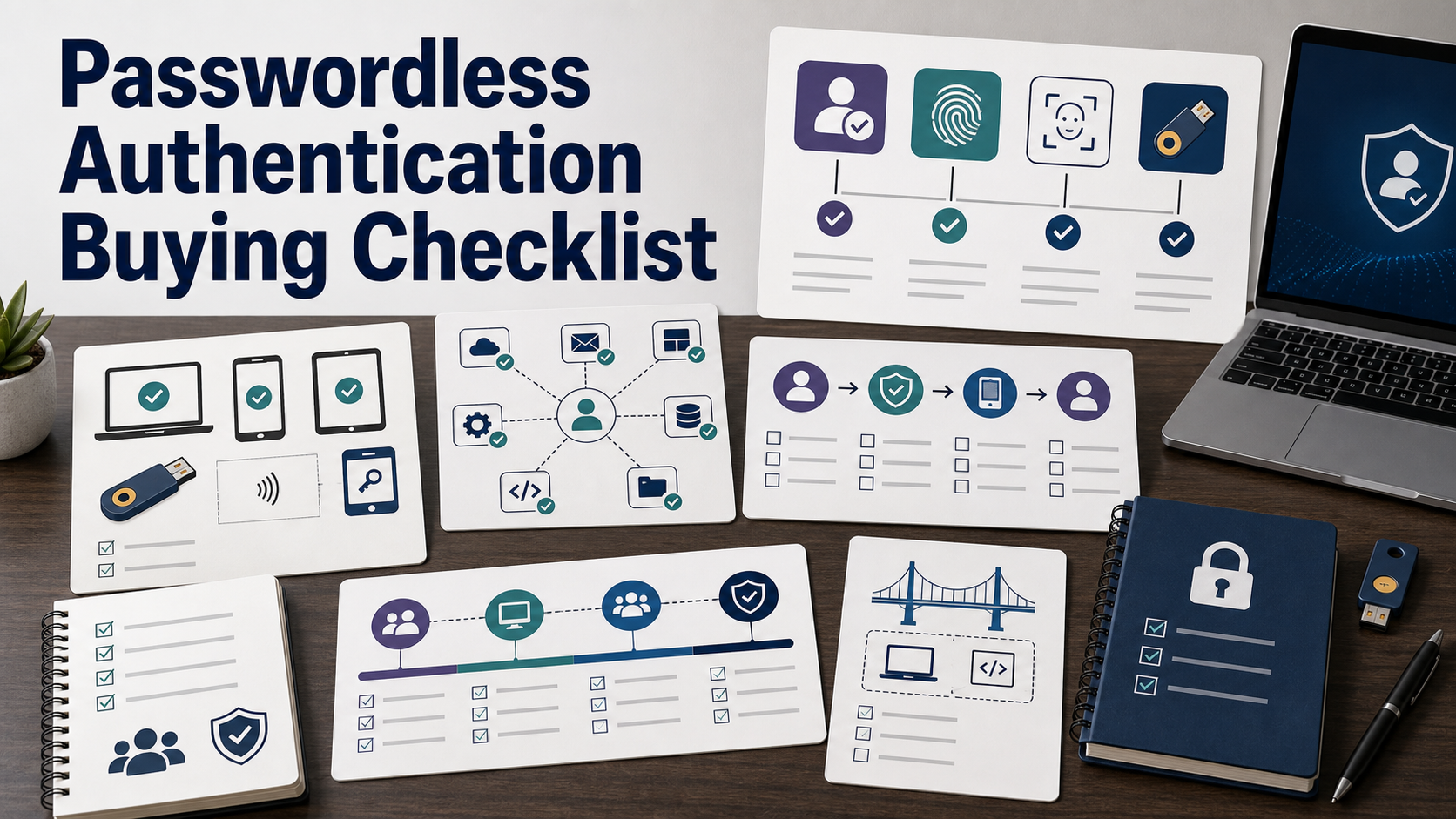
Passwordless authentication sounds simple in a demo: employees unlock a device, approve a passkey, or use a security key instead of typing a password. The buying decision is not simple.
The hard parts are coverage and recovery. Which apps support it? What happens to shared devices? How do contractors enroll? How do admins recover safely? What if a phone is lost? Use this checklist before treating passwordless as a switch you can flip.
Define What Passwordless Means For Your Rollout
Some products remove passwords only from single sign-on. Others support passkeys, hardware security keys, platform authenticators, smart cards, certificate-based flows, or passwordless desktop sign-in. Some still keep passwords as fallback credentials.
Ask each vendor to define exactly where passwords disappear and where they remain. If a password still works for recovery, legacy apps, VPN, admin access, or direct application login, the risk has not fully disappeared.
Prioritize Phishing Resistance
CISA strongly urges organizations to implement phishing-resistant MFA, and its MFA materials call phishing-resistant MFA the standard organizations should strive for. NIST SP 800-63B also discusses verifier impersonation resistance and authentication assurance levels.
In plain buying terms, ask whether the method is resistant to credential phishing and fake login pages. One-time codes and push prompts can still be abused. Passkeys and hardware-backed cryptographic methods are usually evaluated because they bind authentication to the legitimate service.
| Buying area | Question to ask | Why it matters |
|---|---|---|
| Method | Which passwordless methods are supported: passkeys, hardware keys, smart cards, biometrics, or device certificates? | The word passwordless can cover very different security models. |
| Coverage | Which apps, operating systems, browsers, mobile devices, VPNs, and admin portals are covered? | Uncovered apps may keep passwords alive. |
| Recovery | How does a user recover after losing a device or key? | Weak recovery can reintroduce the same phishing risk the project tries to remove. |
| Privileged users | Can admins use stronger methods, stricter policies, and separate recovery workflows? | Admin accounts are higher-impact targets. |
| Portability | Can credentials, audit logs, and policy settings be exported or migrated? | Passwordless lock-in can become painful after adoption. |
Check Passkey And FIDO Support
FIDO Alliance describes passkeys as FIDO credentials that allow sign-in using the same process people use to unlock a device, such as biometrics, PIN, or pattern. In an enterprise purchase, ask whether passkeys are synced, device-bound, hardware-key-based, or all of the above.
Ask how the product supports FIDO2, WebAuthn, platform authenticators, roaming security keys, and enterprise policies for enrollment and revocation. The details matter for security, usability, and support.
Map Application Coverage Before The Pilot
Create an application map: identity provider, email, collaboration tools, finance systems, HR systems, developer tools, VPN, privileged access tools, cloud consoles, legacy applications, desktop login, and mobile access.
Ask the vendor to mark each app as supported now, supported with configuration, supported through SSO only, supported through a bridge, or unsupported. This avoids a pilot that succeeds on easy apps and fails on the systems employees actually need.
Do Not Ignore Legacy And Shared Workflows
Legacy apps, shared workstations, manufacturing terminals, call center machines, contractors, field workers, and service accounts can complicate passwordless projects.
Ask whether the product supports shared devices, kiosk modes, temporary access, offline access, break-glass workflows, and service-account separation. Do not force a secure architecture onto an operational workflow it cannot support.
Recovery Is A Security Control
Recovery is where many authentication projects become weak. Ask what happens when a user loses a phone, replaces a laptop, forgets a PIN, breaks a hardware key, changes roles, or leaves the company.
Recovery should include identity proofing, manager or help desk controls, audit logs, step-up checks, and limits on social engineering. If recovery falls back to a password and an email link, the passwordless claim needs scrutiny.
Privileged Users Need Stronger Rules
Admin accounts, finance users, security engineers, cloud operators, and executives may need stricter authentication. Ask whether the software supports role-based policies, hardware keys for admins, separate admin identities, step-up requirements, and emergency access.
Also ask how privileged enrollment is verified. A strong authenticator enrolled by the wrong person is not strong protection.
User Experience Still Matters
Passwordless can reduce friction, but only if the rollout is clear. Ask how enrollment works for employees, contractors, mobile users, and remote workers. Review prompts, device enrollment steps, fallback paths, and support content.
Run a pilot with finance, support, engineering, sales, executives, and new hires. These groups will reveal different problems.
Compliance Evidence Should Be Exportable
FTC small business guidance recommends MFA for sensitive information. Customer questionnaires and audits may also ask for proof of MFA or phishing-resistant authentication. Ask whether the platform can export policy, enrollment, usage, exception, recovery, and admin-action evidence.
Reports should show coverage and exceptions by application and user group. A single adoption percentage can hide critical gaps.
Plan The Rollout In Phases
A realistic rollout often starts with high-risk accounts and easy SSO apps, then expands to broader employee groups, legacy apps, privileged systems, and recovery hardening.
Ask vendors what a phased rollout looks like and what must be true before disabling passwords. The answer should include communication, support, device readiness, exception handling, and rollback planning.
Before You Buy, Ask These Questions
- Where exactly are passwords removed, and where do they remain?
- Which methods are phishing-resistant?
- Does the product support passkeys, hardware keys, FIDO2, and WebAuthn?
- Which apps, devices, operating systems, browsers, and VPNs are covered?
- How are legacy apps and shared devices handled?
- What is the lost-device and account recovery workflow?
- Can privileged users require stronger methods?
- How are credentials revoked when users leave?
- What audit evidence can be exported?
- What happens if we leave the platform?
Related Software Evaluation Briefs
- How to Audit MFA Management Software Proposals Before Rollout
- Container Security Software Guide: Pilot Testing, Integrations, and Buying
- Evaluating Identity Governance Tools: Technical & Contract Checks Before Rollout
- Interactive Multi-Year Software TCO Calculator
FAQ
Is passwordless the same as MFA?
No. Some passwordless methods include strong multi-factor properties, but buyers should evaluate the actual authenticator, device binding, phishing resistance, and recovery path.
Are passkeys always enterprise-ready?
Not automatically. Passkeys can be strong, but enterprise buyers still need policy controls, device coverage, recovery, lifecycle management, and application support.
What is the biggest passwordless buying mistake?
The biggest mistake is piloting only easy SSO apps and ignoring recovery, privileged users, legacy systems, and shared devices. Those gaps keep passwords alive.
Should passwords be disabled immediately?
Usually no. Disable passwords only after coverage, recovery, support, exception handling, and rollback paths are tested for the user groups and applications in scope.
Sources
- NIST SP 800-63B: Authentication and Lifecycle Management
- CISA: Implementing Phishing-Resistant MFA
- CISA: More Than a Password
- FIDO Alliance: Passkeys
- FTC: Cybersecurity for Small Business