Software Buyer Brief
Small Business Cybersecurity Checklist Before Buying Security Tools
Short answer: before buying cybersecurity tools, a small business should define the accounts, devices, data, backups, vendors, admin owners, incident response steps, and support gaps the tool is supposed to protect. A tool shortlist is weak if the team has not named the risks and operating work first.
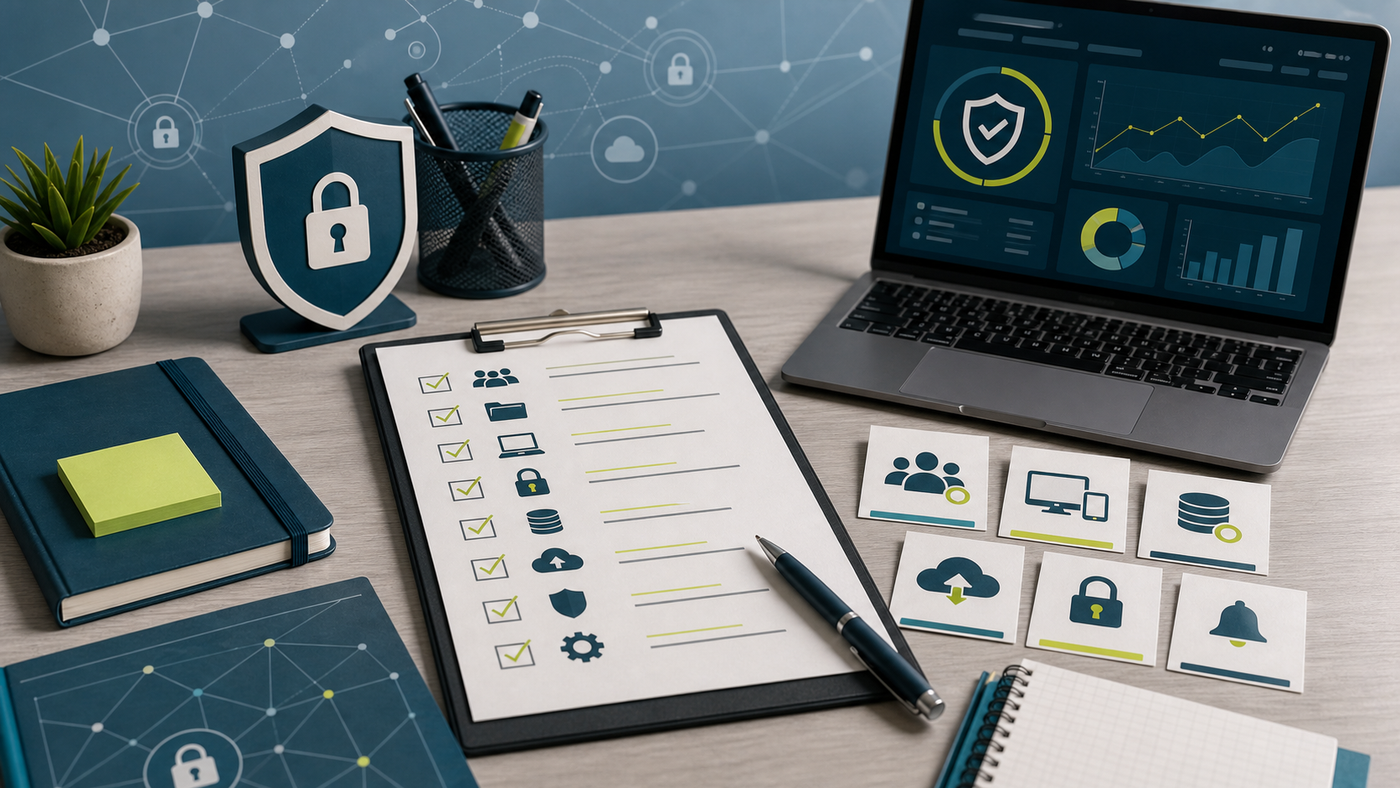
Small teams often shop for security backwards. They see a dashboard, hear a scary breach story, compare feature grids, and then try to make the business fit the product. That can lead to unused licenses, noisy alerts, unclear ownership, and renewals that nobody can explain.
A better buying process starts with a plain-English checklist. The goal is not to build an enterprise security program overnight. The goal is to know what must be protected, who will operate the controls, and which tool category actually solves the next problem.
Start With The Business, Not The Tool Category
Before comparing endpoint protection, password managers, backup platforms, phishing training, SSO, MDR, or vendor risk tools, write one paragraph about how the business would be hurt by a security incident. Would the biggest damage be lost customer data, locked files, wire fraud, payroll disruption, client trust, contract penalties, downtime, or recovery cost?
That paragraph keeps the buying process honest. If the risk is account takeover, identity and MFA may deserve attention before another monitoring dashboard. If the risk is ransomware recovery, backup testing may matter before a fancier endpoint license. If the risk is customer trust, vendor evidence, logging, and incident response may matter as much as prevention.
1. List The Accounts That Can Hurt The Business
Start with the accounts that can move money, access customer data, change infrastructure, or invite other users. For many small teams, that means email admin, domain registrar, cloud hosting, accounting, payroll, CRM, ecommerce, payment processor, password manager, file storage, and device management accounts.
For each account, write down the owner, backup owner, MFA status, recovery email or phone owner, and whether the account uses shared credentials. This is basic, but it often exposes the first buying need. A business that cannot name its admin accounts may not be ready to judge advanced security software.
2. Decide What Data Needs Protection
Not every file has the same risk. Customer records, payment data, employee records, contracts, tax files, source code, designs, credentials, API keys, and sensitive client documents should not be treated like ordinary marketing drafts.
Use a simple data map: what you collect, where it lives, who can access it, how long it is kept, and which vendors touch it. This helps decide whether the next purchase should be backup, access control, device encryption, data loss prevention, secure file sharing, or vendor security review.
3. Count Devices Before Buying Endpoint Tools
Endpoint protection sounds simple until the team counts real devices. Laptops, desktops, mobile phones, tablets, shared warehouse computers, contractor devices, remote employee machines, and old servers may all be in different states.
Before buying, answer these questions:
- Which devices are company-owned?
- Which devices are personal but used for work?
- Which operating systems need support?
- Who can install agents or profiles?
- What happens when a device is lost or an employee leaves?
If nobody owns device inventory, the first useful “security tool” may be a basic device management process, not the most expensive endpoint plan.
4. Make MFA A Purchasing Requirement
Multi-factor authentication should be treated as a baseline requirement for sensitive accounts, admin accounts, remote access, and systems that hold customer or employee data. When reviewing software, ask whether the product supports strong MFA, admin enforcement, recovery controls, and audit logs.
Do not only ask whether MFA exists. Ask whether the administrator can require it, see who has not enrolled, remove weak recovery paths, and avoid shared accounts. A security feature that depends on every user voluntarily doing the right thing is weaker than a control the business can enforce.
5. Check Backup And Recovery Before Buying More Monitoring
A small business can have many security alerts and still be unable to recover. Before spending on another detection tool, check whether the business has backups for the systems it cannot afford to lose.
The practical questions are simple: what is backed up, how often, where the backup is stored, who can restore it, when it was last tested, and whether a ransomware incident could reach the backup. A backup product is not fully useful until restore testing is part of operations.
6. Assign Alert Ownership Before A Demo
Many tools can create alerts. Fewer small teams know who will read them. Before a demo, decide who owns triage, who can isolate a device, who contacts the vendor, who talks to leadership, and who documents the incident.
If the answer is “the vendor handles it,” ask exactly what that means. Is response included, or is the vendor only sending notifications? Are after-hours alerts covered? Does support include containment help? Does the contract define response time? This is where MDR, MSSP, endpoint, and help desk boundaries often blur.
7. Review Vendor Access Like A Security Control
Security tools often need sensitive access. They may read device telemetry, inspect files, connect to email systems, access logs, or integrate with identity providers. That does not make them bad, but it does make vendor review part of the buying process.
Ask what data the tool collects, where it is stored, how long it is retained, who can access it, how integrations are permissioned, how logs can be exported, and what happens when the contract ends. If the vendor cannot explain data access plainly, the buying team should slow down.
8. Build A Small Scorecard Before The First Call
A useful security buying scorecard does not need 80 rows. It needs enough structure to stop the demo from becoming theater.
| Score area | What a good answer shows | Risky answer |
|---|---|---|
| Accounts | Admin roles, MFA, recovery, and audit logs are clear | Shared admin access is normal |
| Devices | Supported systems and rollout steps match the team | The product assumes an IT staff the business does not have |
| Backups | Restore testing and ransomware separation are explained | Backups exist but nobody tests recovery |
| Alerts | Ownership, escalation, and after-hours support are defined | Alerts go to a mailbox no one watches |
| Vendor data | Collection, retention, access, and export are documented | The vendor cannot explain what data it stores |
Copy-Paste Questions For A Security Vendor
Use these before the first demo:
Before we evaluate features, can you show how your product handles MFA enforcement, admin roles, device rollout, alert ownership, backup or recovery dependencies, data collection, log export, support response, and offboarding if we leave the platform?
The answer will not make the decision for you, but it will reveal whether the vendor understands small-business operations or is only presenting a generic dashboard.
FAQ
What should a small business do before buying cybersecurity software?
It should identify critical accounts, sensitive data, devices, backup needs, MFA gaps, vendor access, alert ownership, and incident response steps before comparing products.
What security tool should a small business buy first?
There is no universal first tool. Many teams should start with MFA, password management, backup testing, device inventory, or email security before advanced monitoring.
How should small businesses compare cybersecurity vendors?
Compare the vendor against operating needs: rollout work, admin control, alert handling, support coverage, data access, logging, renewal terms, and exit options.
Is a checklist enough to secure a small business?
No. A checklist is a buying and planning tool. It helps the team ask better questions, but the business still needs implementation, ownership, training, and periodic review.
Sources Checked
This guide was written as a buying checklist, not legal or compliance advice. Sources reviewed include FTC Cybersecurity for Small Business, FTC Protecting Personal Information: A Guide for Business, NIST Cybersecurity Framework 2.0 for Small Business, and CISA small and medium business security resources.
The Buying Rule
Buy the security tool that matches the next operating gap, not the tool with the most intimidating demo. A small business that can name its accounts, data, devices, backups, owners, vendors, and response steps will make a better purchase than a team that starts with feature grids and hopes the product will create a security program by itself.