
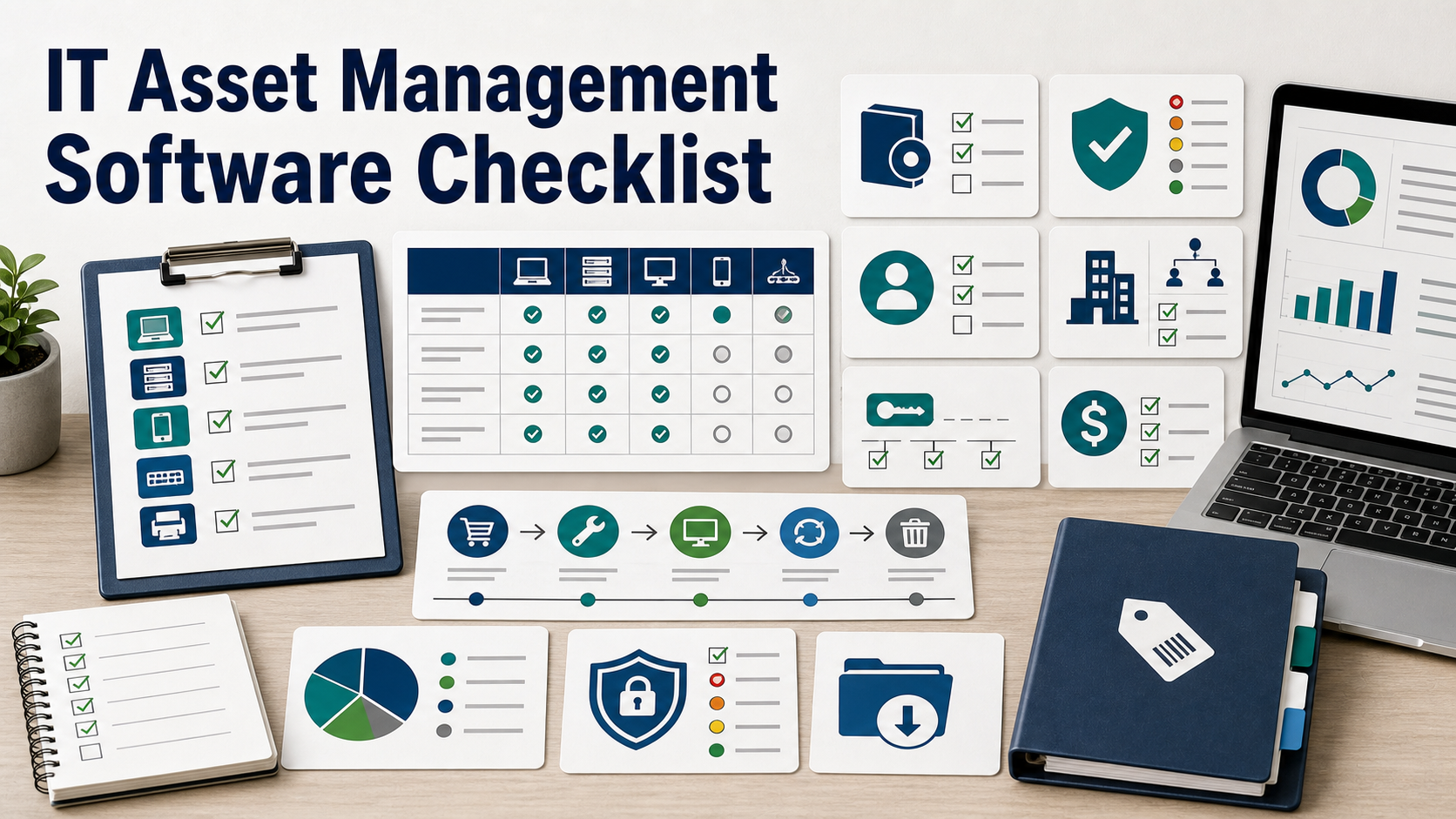
IT asset management software should maintain a reliable inventory of hardware, software, SaaS, owners, locations, lifecycle status, costs, contracts, licenses, security context, and disposal records. Before buying, check discovery methods, data quality, integrations, workflow ownership, reporting, export, and whether the tool can support IT, security, finance, and compliance needs at the same time.
IT asset management software is often purchased after the spreadsheet breaks. Laptops are missing. Finance sees renewals IT does not recognize. Security asks which devices are unmanaged. HR asks whether a former employee returned equipment.
A good ITAM tool does more than count devices. It connects assets to owners, systems, contracts, licenses, risk, and lifecycle events. This checklist helps buyers evaluate whether the software can become a trusted record instead of another incomplete list.
Define Which Assets Are In Scope
Start with the asset types you need to manage: laptops, desktops, servers, mobile devices, network devices, cloud assets, virtual machines, SaaS apps, installed software, peripherals, certificates, and maybe operational technology if the company has facilities or manufacturing systems.
NIST CSF 2.0 includes asset management under Identify, covering assets such as data, hardware, software, systems, facilities, services, and people. Your buying scope should be explicit before demos begin.
Separate ITAM, CMDB, MDM, And Discovery
ITAM, CMDB, mobile device management, endpoint management, vulnerability scanners, and procurement systems can overlap. Ask whether the product is the system of record, a discovery source, a workflow layer, or a reporting layer.
If the vendor says it does everything, ask which system wins when asset data conflicts. Data ownership matters more than feature breadth.
| Buying area | Question to ask | Why it matters |
|---|---|---|
| Discovery | How are assets found: agent, network scan, MDM, cloud API, directory, procurement, or manual import? | Assets that are not discovered will not be governed. |
| Ownership | Can every asset have owner, department, location, cost center, and business service? | Security and finance workflows need responsible owners. |
| Lifecycle | Can the tool track request, purchase, assignment, support, repair, return, reuse, and disposal? | Inventory value drops if records stop after purchase. |
| Software | Can it track installed software, SaaS subscriptions, license terms, renewal dates, and usage? | Software cost and compliance are often separate from hardware records. |
| Security | Can it show unmanaged, unsupported, vulnerable, or unknown assets? | Security teams need to find gaps before attackers do. |
Discovery Should Fit The Environment
Ask how the tool discovers assets across office networks, remote workers, cloud accounts, virtual machines, mobile devices, and SaaS apps. An agent may work well for laptops but not for network devices. Network scanning may miss remote systems. Procurement data may include items that were never deployed.
Ask what fields are collected automatically, what must be entered manually, and how duplicates are resolved.
Data Quality Is A Buying Requirement
NIST SP 800-53 includes system component inventory controls that call for inventories that accurately reflect systems and include necessary accountability information. For a buyer, that means the ITAM product should show stale records, duplicates, missing owners, unmanaged devices, and unverified assets.
Ask whether the tool has data quality dashboards, reconciliation rules, required fields, review workflows, and confidence scores.
Hardware Lifecycle Needs More Than Purchase Date
A hardware record should show request, purchase order, serial number, assigned user, department, location, warranty, device management status, repair history, return status, and disposal evidence.
Ask how the tool supports onboarding, offboarding, loaners, repairs, lost devices, remote shipping, stockroom inventory, refresh planning, and secure disposal.
Software And SaaS Tracking Should Be Included Or Integrated
CIS Control 2 focuses on inventory and control of software assets. ITAM buyers should ask whether the platform tracks installed applications, SaaS subscriptions, license entitlements, renewal dates, usage, owners, and approval status.
If the product is hardware-first, ask how it integrates with SaaS management, procurement, finance, and identity systems. Software spend and risk can hide outside the device inventory.
Security Context Should Be Visible
CIS Control 1 focuses on inventory and control of enterprise assets, including connected devices across physical, virtual, remote, and cloud environments. This is why ITAM should connect to security tools.
Ask whether the platform can show whether an asset is managed by endpoint protection, encrypted, patched, vulnerable, unsupported, internet-exposed, or missing from device management. Security teams should not have to reconcile every list manually.
Finance And Procurement Workflows Matter
ITAM also serves finance. Ask whether the product tracks purchase orders, invoices, cost centers, depreciation fields, contract records, renewal dates, chargebacks, and budget owners.
If finance uses a separate system, ask how records sync. The IT record and finance record should not drift until renewal season exposes the mismatch.
Integrations Decide Whether Records Stay Current
Ask about integrations with identity provider, HRIS, MDM, endpoint management, EDR, vulnerability management, cloud providers, procurement, finance, service desk, shipping, and contract management.
For each integration, ask what data flows in, what flows out, how often it syncs, and whether the integration requires higher-tier licensing.
Reporting Should Serve Different Teams
IT needs support and lifecycle reports. Security needs unmanaged and risky assets. Finance needs cost and renewal reports. Compliance needs evidence that records are maintained. Executives may need refresh planning and risk trends.
Ask whether reports can be scheduled, filtered by owner, exported, and preserved for audits or customer reviews.
Export And Exit Are Not Optional
An asset database becomes valuable over time. Ask whether all asset records, history, attachments, contracts, assignment logs, lifecycle events, and custom fields can be exported.
Do not wait until renewal to learn that the asset history is locked in a format your next tool cannot use.
Before You Buy, Ask These Questions
- Which assets are in scope: hardware, software, SaaS, cloud, mobile, and network devices?
- What discovery methods are supported, and where are the blind spots?
- Can every asset have an owner, department, location, and lifecycle status?
- How are duplicates, stale records, and missing fields detected?
- Does the tool track installed software, SaaS, licenses, renewals, and usage?
- Can it show unmanaged, vulnerable, unsupported, or unencrypted assets?
- How does it integrate with HR, identity, MDM, EDR, vulnerability, procurement, finance, and ticketing tools?
- Can it support onboarding, offboarding, repair, loaner, return, and disposal workflows?
- Can reports be exported for audits and reviews?
- Can all records and history be exported if we leave?
Related Vendor Comparison Guides
- Synthetic Monitoring Software: 8 Buying Tests
- Field Service Management Software: 8 Buying Tests
- Inventory Management Software: 8 Buying Tests
- Interactive Multi-Year Software TCO Calculator
FAQ
Is ITAM the same as a CMDB?
No. They can overlap, but ITAM usually focuses on asset ownership, lifecycle, cost, and inventory, while a CMDB focuses on configuration items and service relationships. Some platforms combine parts of both.
Do small companies need ITAM software?
They may not need a large platform, but they still need reliable asset records. ITAM software becomes more useful when remote devices, SaaS renewals, security reviews, and offboarding grow beyond a spreadsheet.
What is the biggest ITAM buying mistake?
The biggest mistake is buying a record system without discovery and lifecycle workflows. Asset data goes stale quickly if it is not tied to onboarding, offboarding, procurement, and security tools.
Should finance own ITAM?
Finance should be involved, but IT, security, HR, and procurement also need ownership. The best buyer group agrees who owns each field and workflow before implementation.
Sources
- NIST Cybersecurity Framework 2.0
- NIST SP 800-53 Rev. 5: Security and Privacy Controls
- CIS Control 1: Inventory and Control of Enterprise Assets
- CIS Control 2: Inventory and Control of Software Assets
- CISA: Asset Inventory Guidance for Owners and Operators