
Security questionnaire software should help teams collect vendor answers, reuse approved evidence, assign owners, score risk, track due dates, request SOC 2 or policy documents, preserve an audit trail, and export answers without turning every review into a spreadsheet chase.
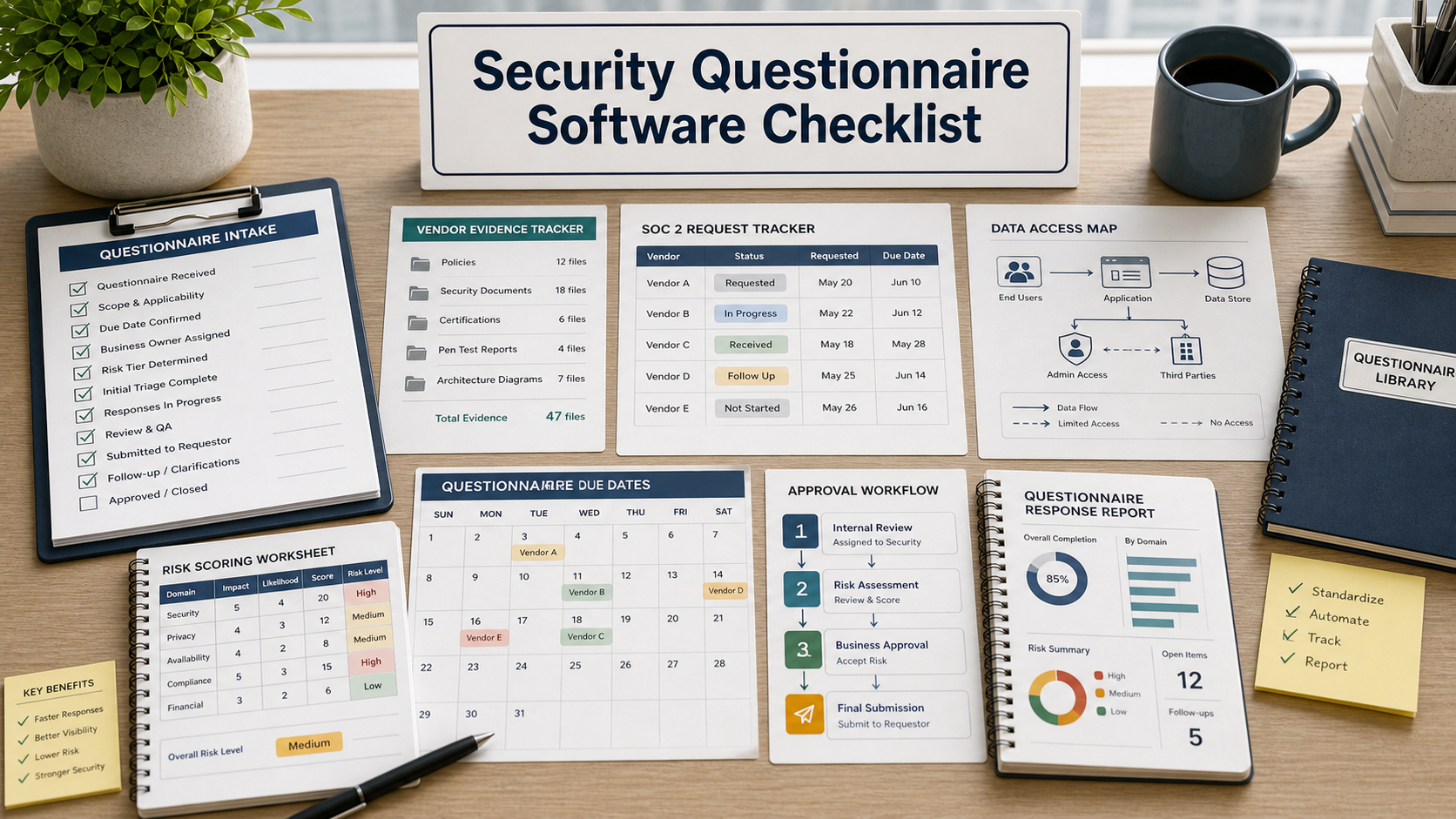
This guide is for a small company that is tired of answering customer security questionnaires in shared documents, email threads, and old spreadsheets. The demo may look neat, but the real question is whether the tool can reduce review effort without weakening evidence quality.
Do not buy a questionnaire tool because it promises instant answers. Buy only if it improves intake, ownership, evidence reuse, approvals, version control, and export quality.
Start With The Intake Problem
List where questionnaires arrive today: customer portals, spreadsheets, PDFs, procurement emails, sales requests, and renewal reviews. The software should capture incoming requests, due dates, customer context, data access, product scope, and owner assignments.
If intake remains manual, the tool may only become another place to store incomplete answers.
Evidence Reuse Needs Approval Controls
Reusable answers are helpful only when they are current and approved. Ask whether the system supports answer libraries, expiration dates, subject-matter owner review, evidence attachments, policy links, and version history.
FTC data security guidance stresses reasonable security practices and accurate claims. A stale answer library can create sales risk if it promises controls that changed.
Risk Scoring Should Match Real Data Access
Ask how the tool scores vendor or customer questionnaire work. Does it consider data sensitivity, access level, integration depth, regulated data, geography, subcontractors, and business criticality?
A flat priority label is not enough. Reviews involving sensitive customer data should not be treated the same as a low-risk marketing tool.
Security Questionnaire Software Table
| Buying area | Demo question | Why it matters |
|---|---|---|
| Intake | Can requests enter from email, portal, spreadsheet, and manual forms? | Security reviews often arrive in messy formats. |
| Evidence | Can answers require owner approval and expiration review? | Old answers create trust and compliance risk. |
| Workflow | Can legal, security, sales, and product owners approve different sections? | Questionnaires cross team boundaries. |
| Exports | Can the team export answers, attachments, and audit trail cleanly? | Customers often require portable evidence. |
| Reporting | Can leaders see volume, overdue reviews, and recurring answer gaps? | The tool should improve the process, not hide delays. |
Check Integrations Carefully
Ask about integrations with ticketing, CRM, contract tools, document storage, identity providers, and collaboration tools. Then ask what data each integration reads or writes.
An integration that exposes sensitive evidence broadly can create its own security problem. Confirm role-based access and logging.
Questions To Ask Before Buying
- Which questionnaire formats can the tool ingest?
- How are answer owners and approvals assigned?
- Can evidence expire and require review?
- How are SOC 2 reports, policies, and diagrams stored?
- Can exports match customer formats without manual cleanup?
- What audit trail is available for changed answers?
- Which integrations need admin or broad data access?
Technical Documentation & Reference Links
- FTC: Data security guidance for businesses
- NIST Cybersecurity Framework
- NIST: Small Business Cybersecurity Corner
- NIST: Privacy Framework
FAQ
Is questionnaire software the same as vendor risk software?
Not always. Some tools focus on answering customer questionnaires, while others focus on assessing vendors. Confirm which workflow you are buying.
Should AI answer questionnaires automatically?
Only with review. The buyer should require approval controls, evidence links, and audit history before trusting generated or suggested answers.
What teams should join the demo?
Include security, legal, sales or customer success, product, and whoever owns policies and evidence documents.
What is the main buying risk?
The main risk is buying a polished answer library without strong ownership, review, and export workflow.
Should pricing decide the purchase?
No. First confirm request volume, evidence sensitivity, workflow fit, access controls, and the amount of manual cleanup still required.
Related Buying & Pilot Checklists
- SaaS vendor risk checklist before buying software
- Small business cybersecurity checklist before buying tools
- Contract management software buying checklist
In the demo, give the vendor one messy questionnaire and one stale answer. Watch how the tool routes, updates, approves, and exports the final response.
Pilot Acceptance Criteria and Order-Form Controls for Security Questionnaire
Before moving a security questionnaire evaluation from technical pilot to procurement sign-off, translate your findings on Start With The Intake Problem and Evidence Reuse Needs Approval Controls into measurable acceptance criteria attached to the order form. Features demonstrated in a vendor sandbox should be validated against production-scale permissions, failure recovery, and admin overhead.
- Hands-on pilot validation: Test start with the intake problem with representative team roles, live integration payloads, and exception queues rather than pre-scripted demo data.
- Operational and security ownership: Document which internal administrator owns evidence reuse needs approval controls, audit log review, and vendor support escalation after launch.
- Commercial and exit protections: Verify the multi-year renewal caps, overage triggers, and full schema export steps outlined under risk scoring should match real data access before executing the agreement.
When comparing two vendor proposals across seat growth, platform fees, onboarding, and exit migration, model the full contract commitment in our multi-year software TCO calculator.